Perimeter entrances, factory gates, stadiums and unattended access points.
Contact / Project Brief
Send a clear access control project brief to Bosiny
Contact Zack Zhou for international trade inquiries and share the minimum project context needed to recommend the right product family: full height turnstiles, access control terminals, speed gates or tripod turnstiles.
1. Choose product lineFull height, access terminal, speed gate or tripod.
2. Share site contextCountry, scene, lane count, access method and integration need.
3. Request proofQualification screenshots and certificate visuals are shared after scope check.
4. Sales follow-upZack follows up directly by email or WhatsApp after reviewing the project brief.
Priority inquiry scope
What to send first for a faster recommendation
Bosiny can respond faster when the first message is framed around the current priority export families and the project conditions that affect selection.
Face, card or QR verification for turnstiles, visitors, elevators and staff access.
Office lobbies, commercial buildings and high-flow indoor pedestrian entrances.
Factories, campuses, gyms and public facilities requiring durable entry control.
Do not include pricing expectations, costs, private item codes, passwords, unmasked customer data, certificate numbers or confidential project material in the first message.
Product visual routing
Choose a priority product path before sending the first message
These four routes use only the confirmed public product visuals. Parking, platform, factory, certificate and real project images stay as controlled resources until they are reviewed.
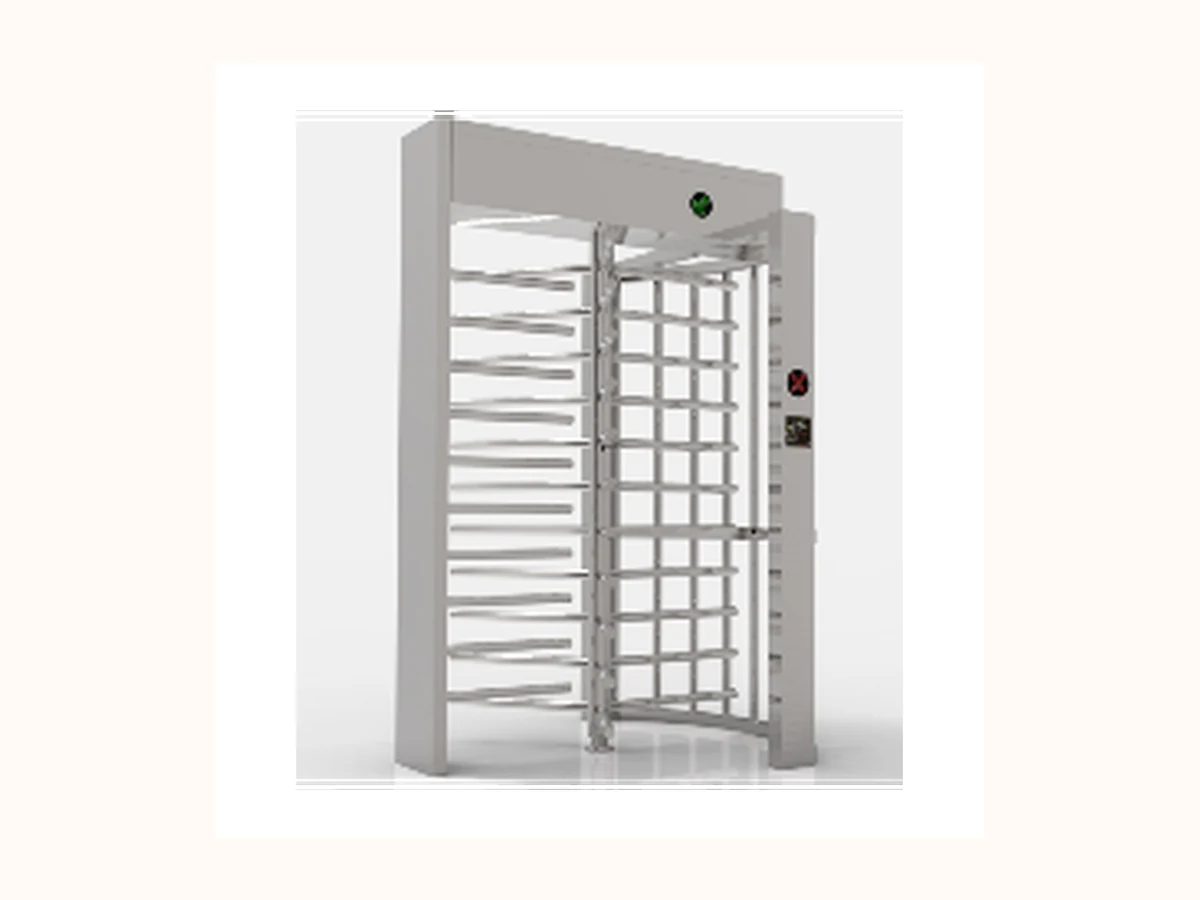
Full Height Turnstile route
Perimeter entrances, factory gates, stadiums and unattended sites.
Send first: Lane count, indoor / sheltered outdoor condition, credential method and emergency egress expectation.
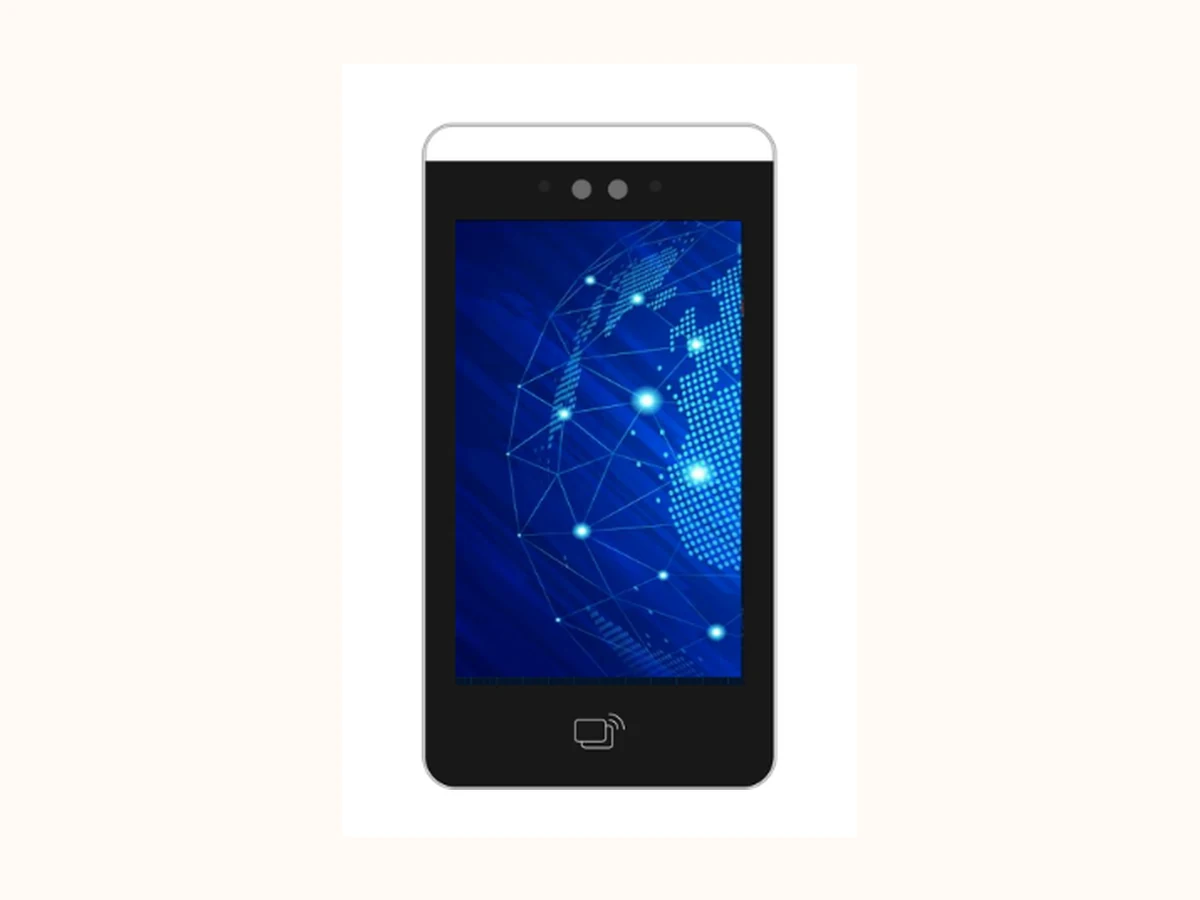
Access Terminal route
Face, card or QR verification for turnstiles, doors, visitors and staff access.
Send first: Credential workflow, mounting point, integration system and privacy requirement.
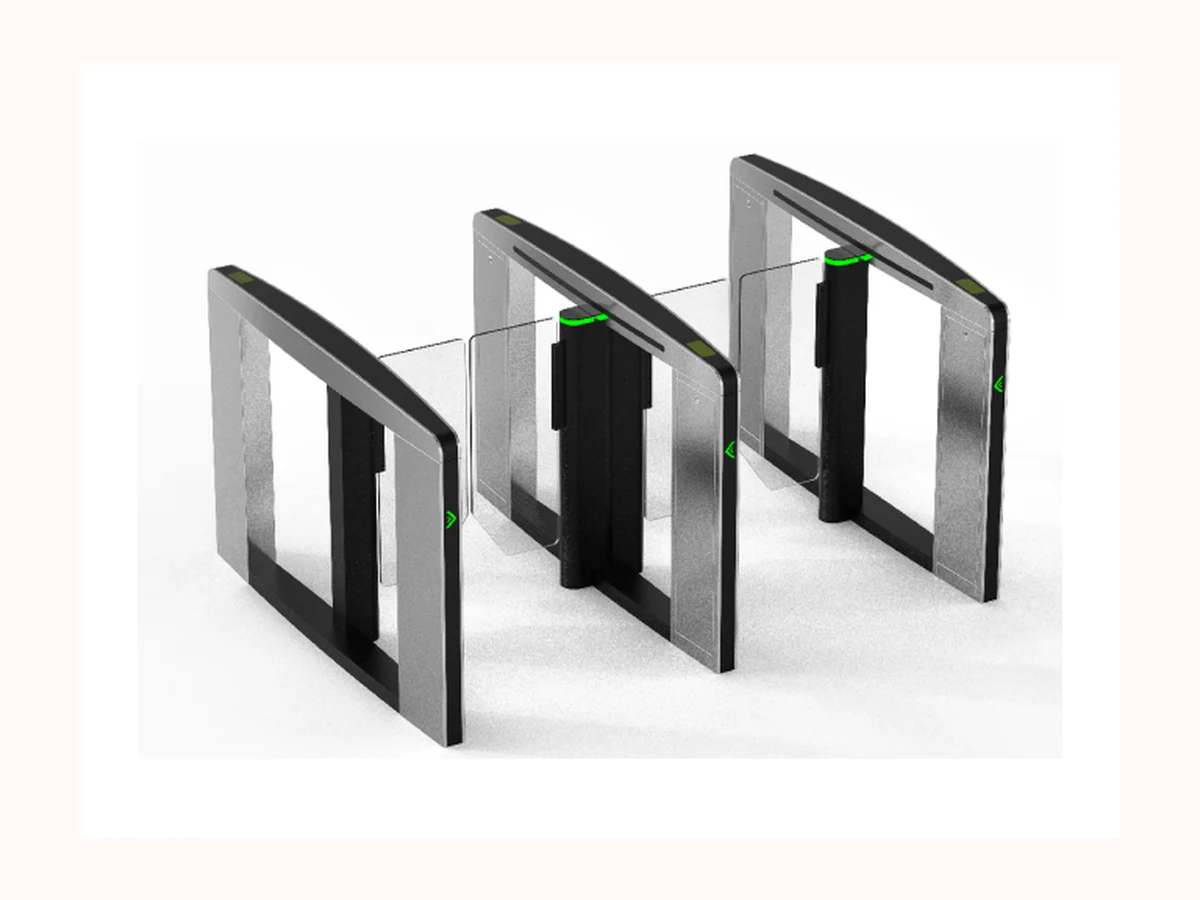
Speed Gate route
Office lobbies, commercial buildings and premium indoor entrances.
Send first: Cabinet layout, lane width, peak traffic, visitor handling and credential devices.
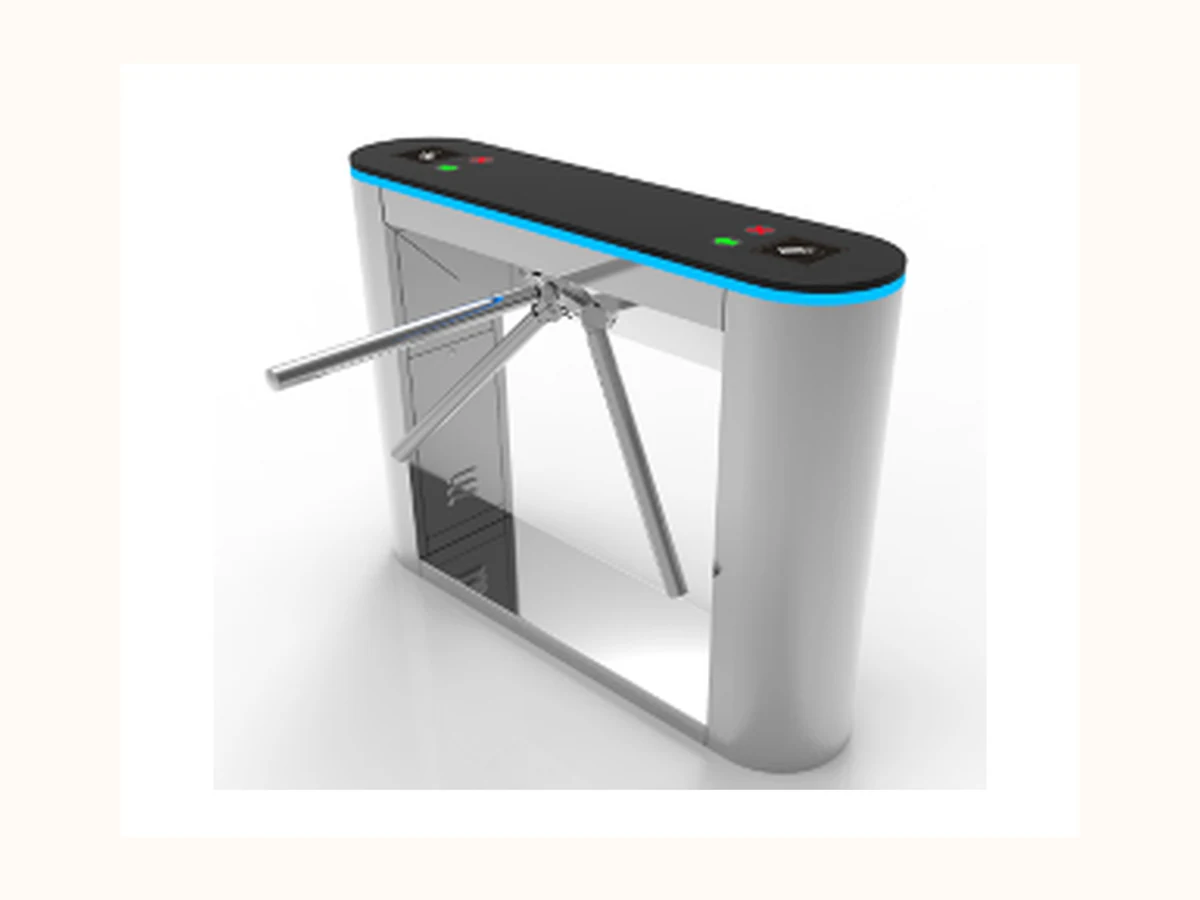
Tripod Turnstile route
Factories, campuses, gyms and durable public-facility entry control.
Send first: Footprint, arm-drop requirement, weather exposure, access method and installation base.
Media rule: Use a confirmed product-family image only when it genuinely matches the inquiry. If the buyer asks about parking, platforms or road-control products, route them to Products / Inquiry Brief and keep the media slot reserved for review.
After you contact Bosiny
What the first sales response needs to resolve
Bosiny keeps the RFQ path focused on project scope, product fit and controlled proof sharing before any detailed sales discussion. This avoids online promises for price, MOQ or delivery time.
Scope confirmation
Bosiny first checks product family, site scene, lane quantity, indoor / outdoor condition and credential method before discussing a model.
Product shortlist
Sales can compare full height turnstiles, access control terminals, speed gates or tripod turnstiles against the project conditions.
Controlled proof
Qualification screenshots, certificate visuals and quality evidence are shared by request after product scope is clear.
Next-step handoff
The conversation stays on email or WhatsApp first, with controlled proof shared only after the project scope is confirmed.
Pre-filled email template: The primary email CTA already asks for buyer role, country / region, project scene, priority product family, lane quantity, indoor / outdoor condition, credential method and proof needs, so the first contact is closer to a sales-ready project brief.
Sales intake triage
Route each first message to the next best page or resource path
Bosiny uses the first message to decide whether the buyer should continue through product pages, solution pages, controlled resources or the inquiry brief before a model-level discussion.
| First-message signal | Route | Recommended next step |
|---|---|---|
| Buyer asks for a specific gate family | Open the matching priority product page first. | Confirm product fit, lane count, credential method and whether qualification proof or later model guidance is needed. |
| Buyer describes a site scenario instead of a model | Start from the relevant solution path before selecting a product. | Map office, factory, campus or public-facility requirements to full height, access terminal, speed gate or tripod options. |
| Buyer asks for certificates or supplier proof | Use the Certifications proof path, not open downloads. | Ask buyer role, country, product family and intended use before sharing controlled proof. |
| Buyer sends incomplete message or broad cooperation request | Send them to the Inquiry Brief template. | Collect project scene, entrances, authentication method, integration need and proof request scope. |
Contact-to-RFQ loop: Every route keeps the same public-safe boundary: first-stage requests are handled by confirmed email, WhatsApp and Project Brief paths, with no open PDF downloads, public prices, MOQ, delivery time, certificate numbers or private customer files.
Buyer role routing
Start the first message from the buyer’s job, not a generic contact form
Industrial B2B contact pages work better when distributors, integrators, project owners and OEM buyers know what context to send first. This keeps Contact aligned with the Inquiry Brief while still using email, WhatsApp and vCard only.
| Buyer role | First question | Send first | Sales route |
|---|---|---|---|
| Distributor / reseller | Which product families and market position should be introduced first? | Target country, buyer segment, preferred product line, qualification proof needed and any private-label interest. | Start with priority product scope and controlled qualification proof before commercial follow-up. |
| System integrator / contractor | What needs to connect with the gate, terminal or site management system? | Site scene, lane count, credential method, integration system, indoor / outdoor condition and installation responsibility. | Confirm product fit and integration boundary before sharing model-level guidance or installation-preparation proof. |
| Project owner / facility operator | What access problem should the project solve for users, visitors and security staff? | Building type, entrance quantity, expected user groups, visitor workflow, privacy requirement and supplier-review evidence needed. | Map the scene to full height turnstiles, access terminals, speed gates or tripod turnstiles, then request controlled proof as needed. |
| OEM / ODM buyer | Which cooperation scope should be reviewed without publishing commercial terms online? | Product family, customization target, logo / packaging need, target market and evaluation proof required. | Keep order minimums, delivery planning and commercial terms in direct sales conversation after product scope is clear. |
Safe first step: Use email or WhatsApp to confirm role, scene, product family and proof needed; do not send passwords, private drawings, prices or unmasked customer files.
Qualification proof handoff
Tell Bosiny which controlled proof you need and why
Bosiny separates open website content from controlled proof. This matrix helps buyers request qualification screenshots, certificate visuals and quality evidence without turning the public site into a technical document center.
| Request type | Best for | Buyer should send | Safe sharing rule |
|---|---|---|---|
| Qualification screenshot | Buyers who need a first view of ISO, UL / product qualification or quality proof before supplier review. | Target product family, destination market, buyer role and the qualification topic to be checked. | Screenshots or controlled proof only; certificate numbers and full PDF files are not open downloads. |
| Quality process proof | Supplier qualification, project pre-review and controlled evidence checks after the project scene is clear. | Product family, application scene, compliance concern and whether process photos or inspection proof are needed. | Public-safe evidence only; no internal item codes, private drawings, prices, MOQ or delivery time promises. |
| Controlled technical follow-up | Sales-qualified projects that later need model guidance or installation-preparation material by direct request. | Lane count, indoor / outdoor condition, credential method, integration system and installation constraint. | Handled after qualification; detailed wiring, private drawings and customer site information stay controlled. |
Contact channel selection
Use email as the project record, then WhatsApp or vCard for follow-up
Mature industrial contact pages make the buyer choose the right contact action instead of pushing every request into one form. Bosiny keeps the first phase lightweight: structured email first, WhatsApp for clarification, vCard for confirmed contact storage.
| Channel | Best for | Buyer action | Sales handoff value |
|---|---|---|---|
| Email project brief | Product fit, controlled proof requests, supplier review and project records. | Use the pre-filled template so role, country, product family, lane quantity and proof needs are captured in one thread. | Sales can forward or record the complete brief without rebuilding the first-message context. |
| WhatsApp follow-up | Fast clarification after the basic project brief is already clear. | Reference the email subject, priority product family and urgent clarification point instead of sending loose photos first. | Keeps rapid chat aligned with the same product / solution / resource path used on the website. |
| vCard save | Distributors, integrators and project teams that need to keep Zack Zhou as the confirmed international trade contact. | Save the contact before sharing project context, then continue by email or WhatsApp under the same buyer role. | Prevents scattered contact details and keeps project proof moving through the confirmed sales contact. |
Confirmed handoff path: The contact loop uses mailto templates, WhatsApp and vCard only; it does not collect uploads, passwords, private drawings, prices, customer files or certificate numbers through the website.
Confirmed Sales Contact
Talk to Bosiny international trade team
For project inquiries, buyers can contact Zack Zhou directly by email, phone or WhatsApp. A short project brief helps Bosiny recommend the right product family, proof scope and next technical step.
Contact owner Zack Zhou Trading Manager
Email zackzhou@bosiny.com
Phone / WhatsApp +86 199 3884 2286
WeChat ID BananaPew
Download contact card Zack Zhou Bosiny vCard Save Zack Zhou as the confirmed Bosiny international trade contact before sending project requirements.

Lead routing note: Phase one uses confirmed email, WhatsApp and project brief handoff first. Direct sales follow-up handles detailed files and next technical questions.
Sales Follow-up Path
From direct contact to a clear next sales step
Bosiny connects confirmed contact details, a structured email brief and manual sales follow-up into one buyer-friendly inquiry path.
1. Direct buyer contact
Buyer contacts Zack Zhou by email first, with phone, WhatsApp or WeChat available for faster coordination.
2. Public-safe project brief
Sales captures scene, country, product family, lane count, access method and deadline without collecting passwords, internal drawings or confidential files.
3. Sales handoff record
Use the same fields for manual follow-up after the first contact. Direct sales follow-up handles the next technical questions and controlled files.
4. Engineering follow-up
Engineering uses the brief to request approved drawings, safe specification proof, certificates or case references only when the buyer needs model-level confirmation.
Handoff Field Mapping
Keep the same minimum fields for manual sales records
| Field | Public-safe source | Handoff note |
|---|---|---|
| Lead owner | Fixed as Zack Zhou for current international trade inquiries. | Use for manual sales ownership after the first buyer contact. |
| Source page | Captured from the page path, e.g. product, solution, OEM or contact. | Preserves SEO attribution without exposing ad spend or internal campaign rules. |
| Project type | Office, factory, school, parking, hospital, residential community, OEM / ODM or other. | Routes the lead to product selection, solution design or OEM evaluation. |
| Product family | Priority inquiry family: Full Height Turnstiles, Access Control / Face Recognition Terminals, Speed Gates or Tripod Turnstiles; supporting products are discussed only when the project package needs them. | Avoids internal SKU, BOM, cost or material-code exposure on public pages. |
| Country / region | Buyer-provided market information for voltage, compliance, shipping and support planning. | Useful for regional follow-up and later multilingual content prioritization. |
| Privacy consent | Required before detailed follow-up is processed. | Needs privacy notice URL, timestamp and processing basis before launch. |
For the confirmed email, WhatsApp and Project Brief path, privacy notice, consent handling, anti-spam controls and the receiving contact must stay clear before follow-up.
Actionable Inquiry Brief
Let buyers send a structured project email
This module provides a public-safe email brief so Zack can quickly evaluate product family, scenario, lane count and file requirements.
Ask the buyer to prepare
- Project country / region and site type
- Target product family or solution scenario
- Entrance count, lane count or parking entrance / exit quantity
- Preferred credential method: RFID, QR, face recognition, LPR, visitor code or mixed workflow
- Existing system to integrate with, if any, without sharing passwords or private API credentials
- Timeline expectation and whether factory / quality / certificate files are needed before evaluation
Open a pre-filled email
The button only opens the buyer’s local email client. Sending still requires manual confirmation; it improves inquiry completeness while keeping the first request on confirmed direct-contact paths.
Do not send passwords, confidential drawings, unmasked customer data, quotations, costs or private item codes in the first email.
Inquiry Brief Fields
Buyers can copy these fields into an email
The page prioritizes email-based project requirements, with WhatsApp and phone for faster coordination. These fields act as an email preparation checklist and do not submit data on the website.
| Field | What to include | Value |
|---|---|---|
| Name | Identify the project contact person. | |
| Company | Understand buyer, integrator or project owner background. | |
| Country / Region | Plan voltage, compliance, shipping and support expectations. | |
| Primary reply channel after the receiving path is confirmed. | ||
| WhatsApp / Phone | Optional faster coordination channel; not published as Bosiny contact data. | |
| Project Type | Route the inquiry to product, solution or OEM evaluation. | |
| Required Products | Capture target product families without exposing internal SKUs. | |
| Quantity / Lane Count | Estimate configuration scale without collecting pricing details. | |
| Access Method | Clarify QR, RFID, face recognition, LPR or platform integration needs. | |
| Project Requirements | Collect site conditions, timeline and integration notes. |
Pre-launch safety requirements
Email-first inquiry: buyers send project requirements directly to the confirmed Bosiny international trade contact.
Privacy consent, anti-spam checks and a confirmed receiving contact are required before any detailed follow-up path is used.
Do not request pricing details, private item codes, customer privacy data, passwords or confidential project files in this first inquiry.