4
Candidate image can stay
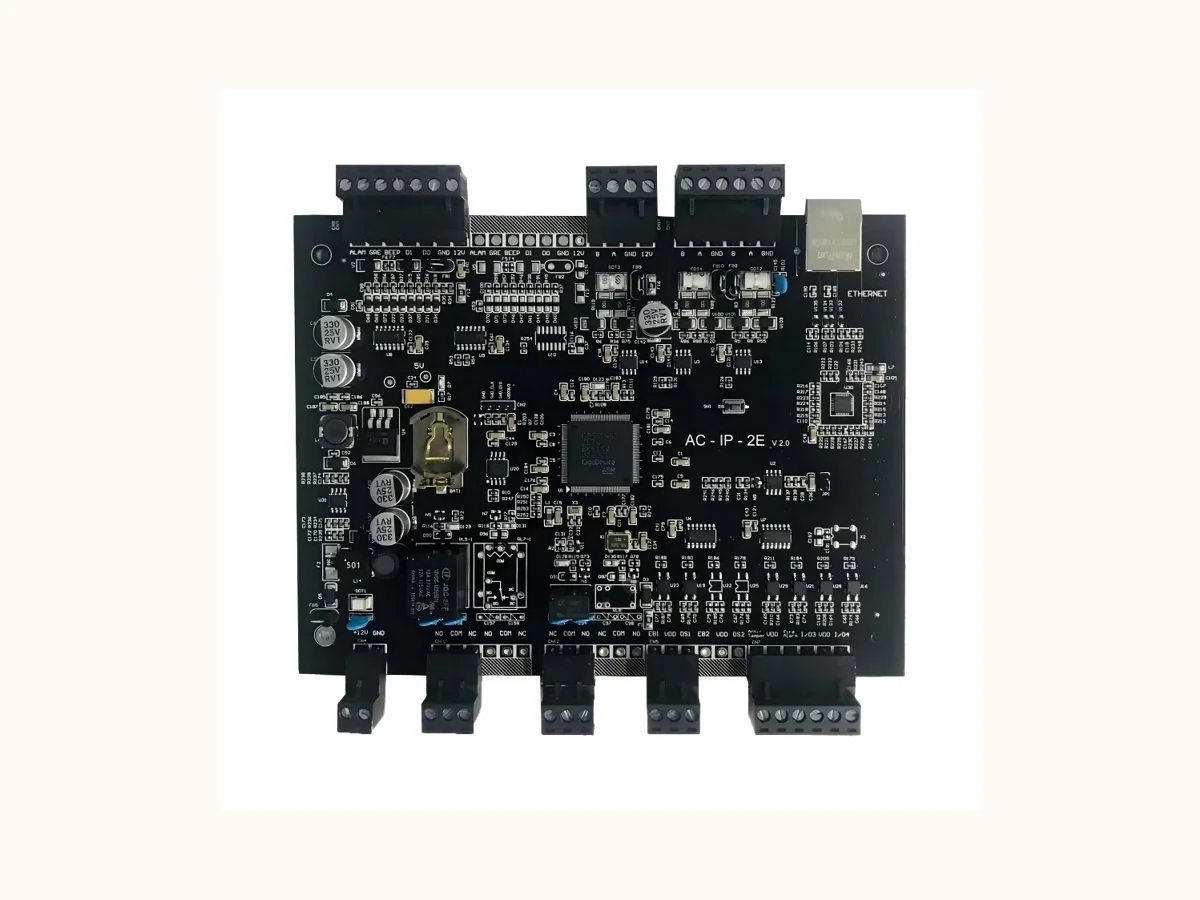
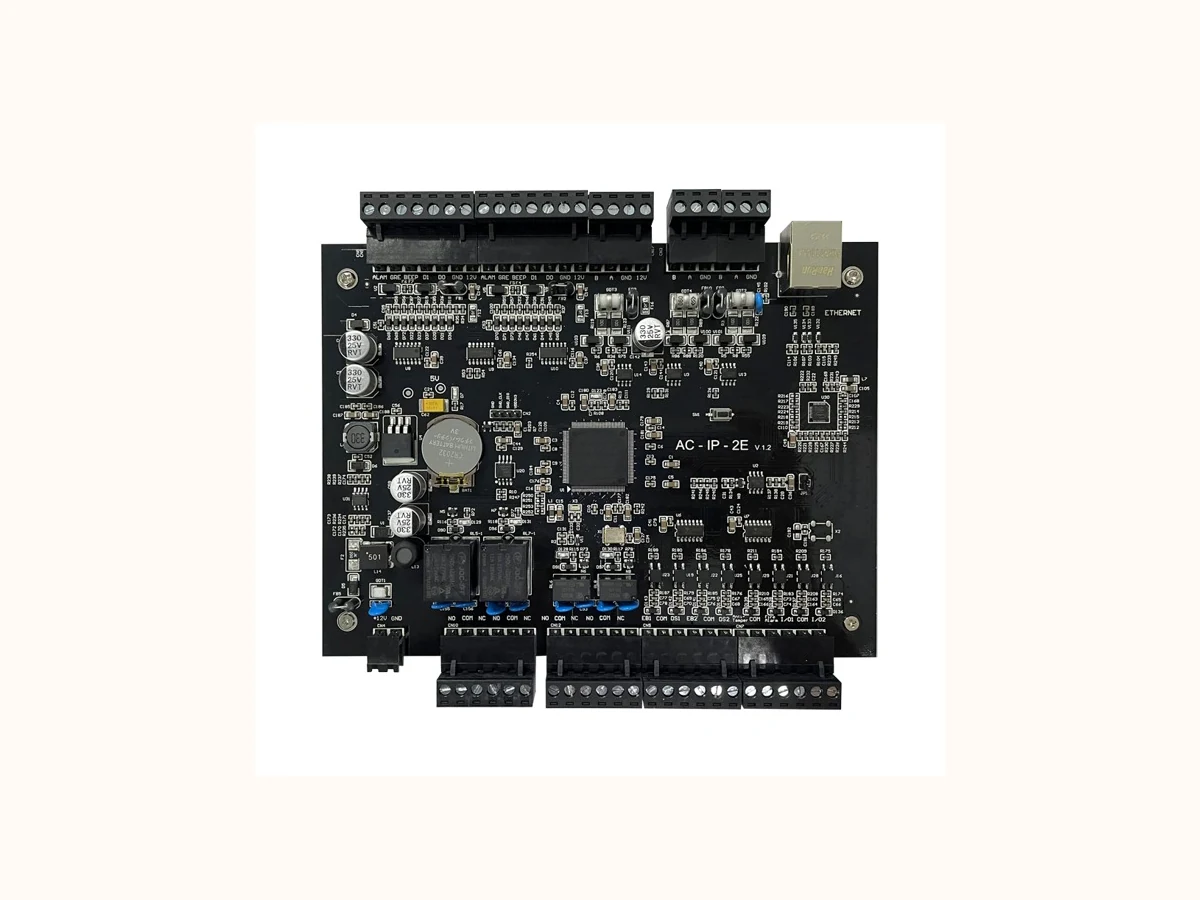
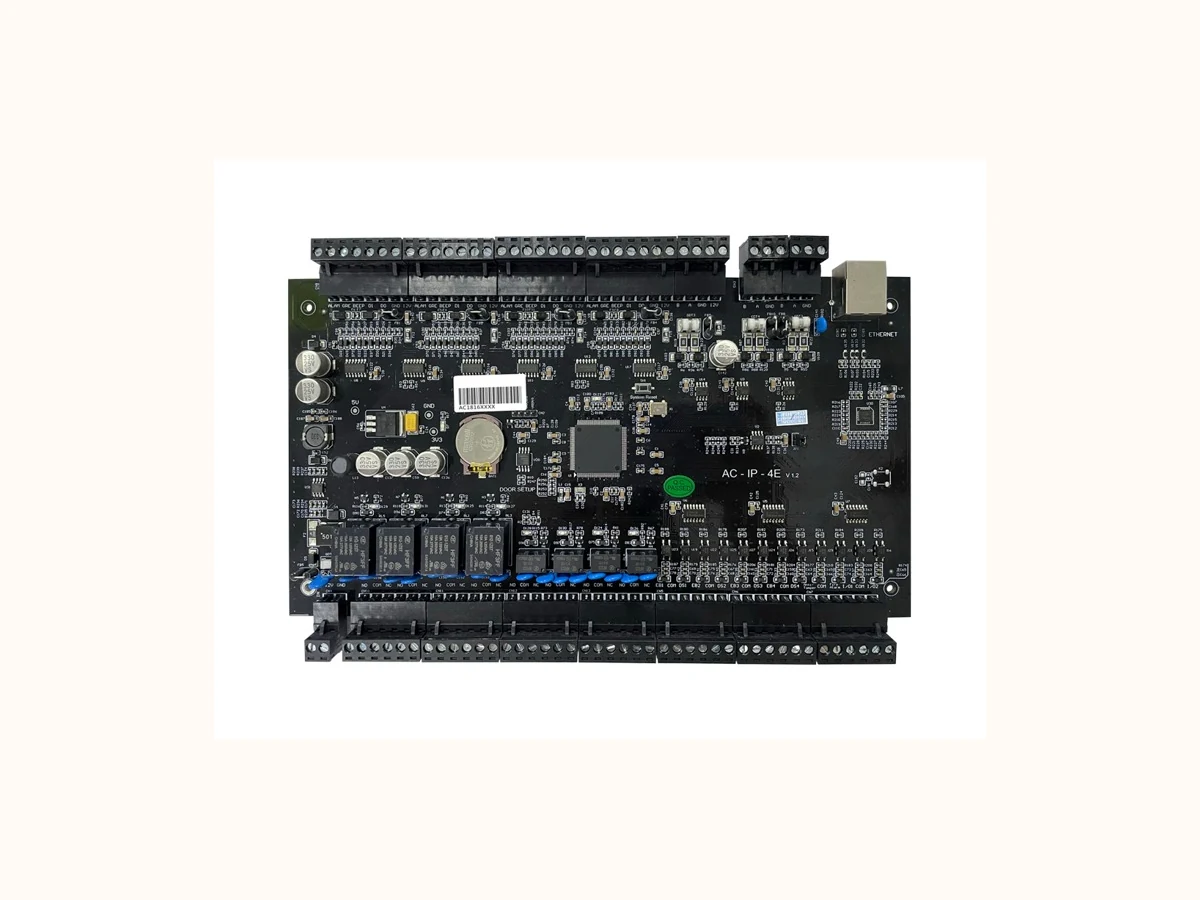
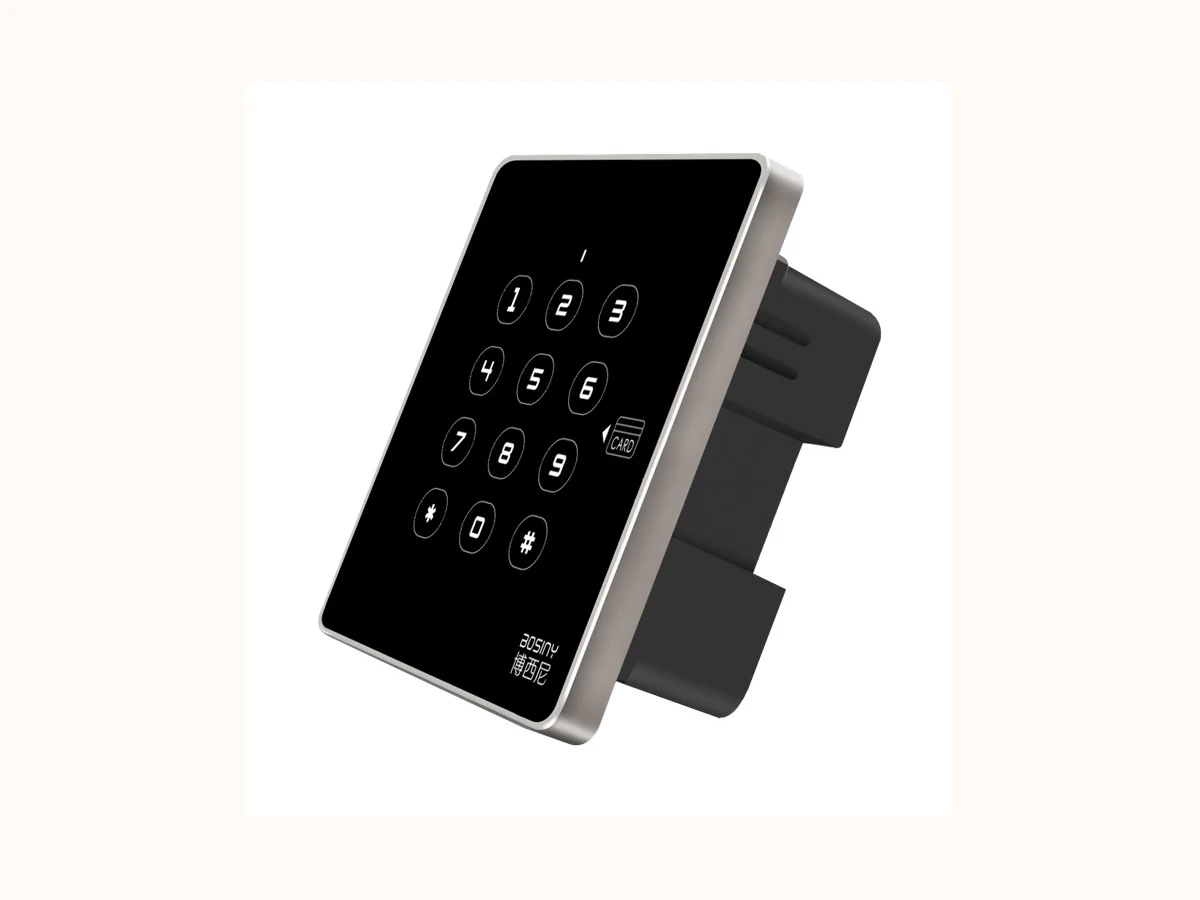
Candidate images without visible risk flags. Keep these as the first public-safe review batch.
Priority Product Family
Access terminals and face recognition devices for pedestrian identity verification across doors, gates and visitor checkpoints.
For exact model recommendations, share the project scene, lane quantity, access method and integration expectations through the inquiry path.
Product → Solution → Proof → Inquiry
This page now makes the next click explicit: validate the product family, open the closest scenario, request controlled proof and send one project brief.
Start with Credential mix approved by the project and Door, gate, visitor or elevator integration path before asking for a model.
02 Scenario match Office Building Turnstile SolutionCheck whether the entrance scene, site flow and integration boundary match a proven solution path.
03 Proof path BSN-ACT-BUYER-PACKRequest photos, safe specification proof or certificate images only after version and scope are clear.
04 Inquiry handoff Project briefSend country, site type, lane quantity, access method and proof-file needs in one brief.
30 priority models · image triage
Keep this first wave simple: one compact module, three acceptance buckets, no standalone model pages yet.
Candidate images without visible risk flags. Keep these as the first public-safe review batch.
Mapped images exist, but the current visual has privacy, face-sample, local-language or publication-risk signals.
No exact public-safe candidate yet. Keep the slot visible and source a replacement later.
Priority Product Route
This snapshot mirrors the buyer flow used by mature B2B manufacturing product pages: confirm the buying scenario, the first engineering decision and the controlled evidence package before asking for exact parameters.
Doors, turnstiles, visitor checkpoints and elevator access requiring identity verification.
Credential mix: face, card, QR, PIN or hybrid flow under local privacy rules.
Terminal photos, interface scope, privacy checklist and controlled specification proof.
Key Options
System Pairing
Mature B2B product pages show how hardware, identity devices and integration scope work together. This keeps the English product path buyer-facing without publishing prices, MOQ, internal codes or unreviewed parameters.
| System layer | Recommended combination | Buyer should confirm |
|---|---|---|
| Terminal position | Wall, desktop or turnstile-mounted terminal selected by traffic flow. | Confirm face / card / QR mix and local privacy requirements. |
| Access target | Door, speed gate, tripod, full-height turnstile or elevator permission workflow. | Confirm whether the terminal controls hardware directly or via a controller. |
| Data boundary | Visitor, attendance or platform linkage reviewed after protocol confirmation. | Confirm storage, consent and third-party system constraints. |
Safe Specs
| Disclosure layer | Content boundary | Rule |
|---|---|---|
| Published on this page | Credential type / User capacity / Network mode / Privacy / consent requirement | Used to prepare a useful project brief before any model or commercial recommendation. |
| Shared after project confirmation | Exact dimensions, speed, durability, IP rating, certificate scope, safe specification proof and installation photos. | Provided through the sales path after the correct version, product scope and publication rights are confirmed. |
| Handled by direct sales | Price, order minimums, lead time, cost, internal material code, customer privacy, certificate numbers and unverified performance claims. | These items are not published on open product pages and are handled only after project context is reviewed. |
Selection Guide
Match credential method to user group: card, QR, PIN, face or hybrid.
Confirm network architecture and data-retention expectations.
Use as an authentication layer for gates, doors and visitor checkpoints.
Selection Matrix
| Decision layer | Current product guidance | Recommendation note |
|---|---|---|
| Application fit | Office access / Visitor checkpoints / Elevator access / Campus entrances | Use this row to decide whether the product family matches the project scene before discussing model-level details. |
| Project information to collect | Credential type / User capacity / Network mode / Privacy / consent requirement | These fields are safe to collect in an inquiry brief and do not expose price, customer privacy or internal material codes. |
| Engineering selection focus | Match credential method to user group: card, QR, PIN, face or hybrid. Confirm network architecture and data-retention expectations. Use as an authentication layer for gates, doors and visitor checkpoints. | Final specifications, dimensions, images and certifications are shared after official materials and project scope are confirmed. |
Product Fit Check
Identity verification for gates, doors, visitors and elevator access where credential mix and privacy rules are clear.
Local privacy approval, consent mechanism or data retention policy is not yet defined.
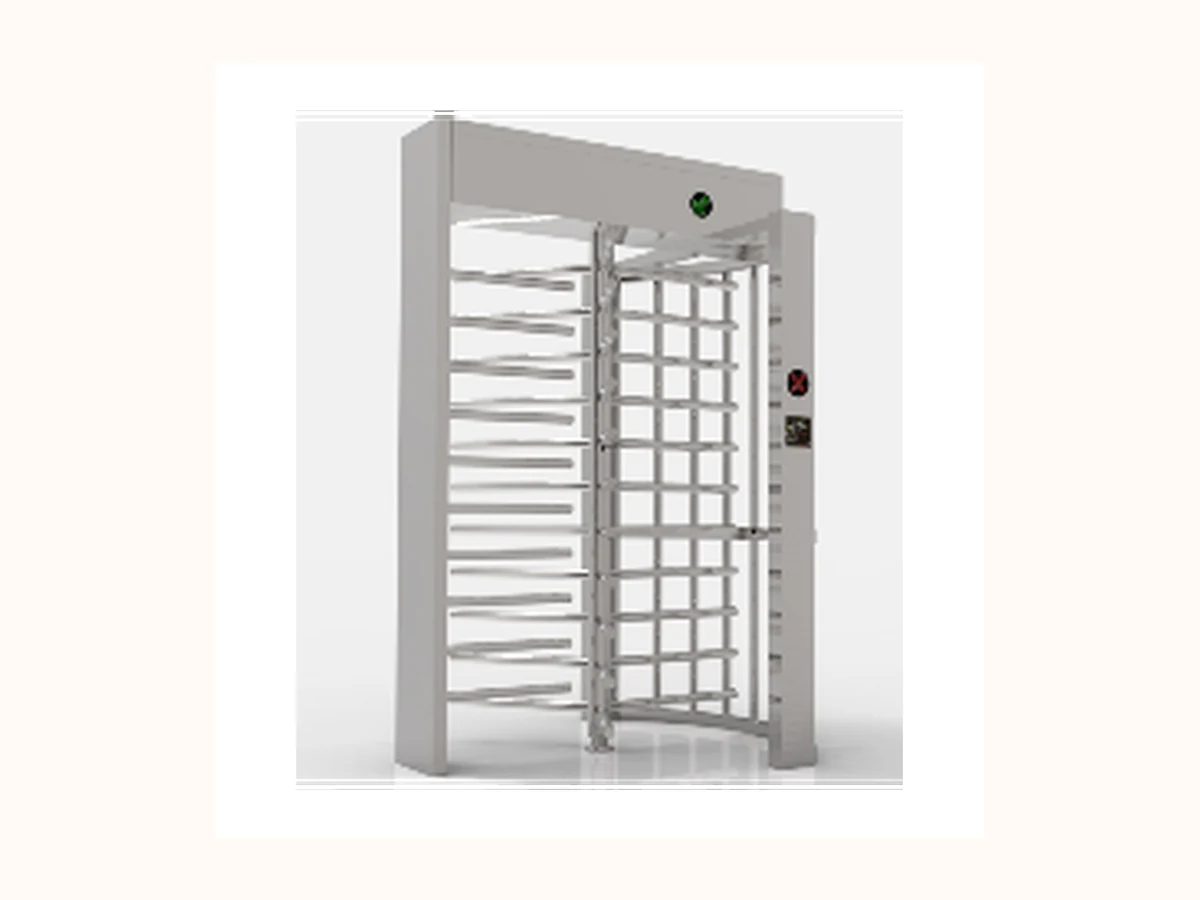 Alternative path
 Unattended perimeter entrances, industrial parks, stadiums and construction sites requiring stronger physical separation.
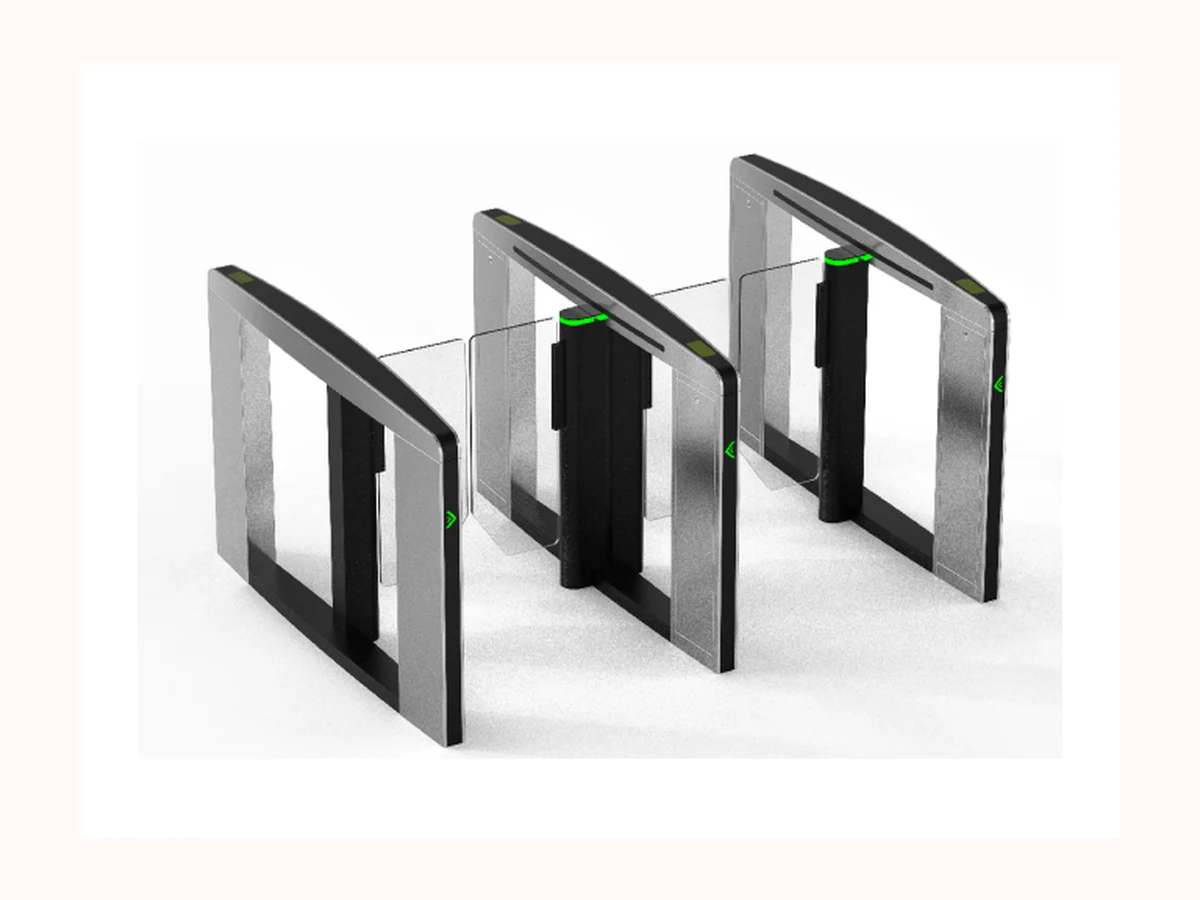 Alternative path
 Premium indoor lobbies where speed, appearance and controlled pedestrian flow are equally important.
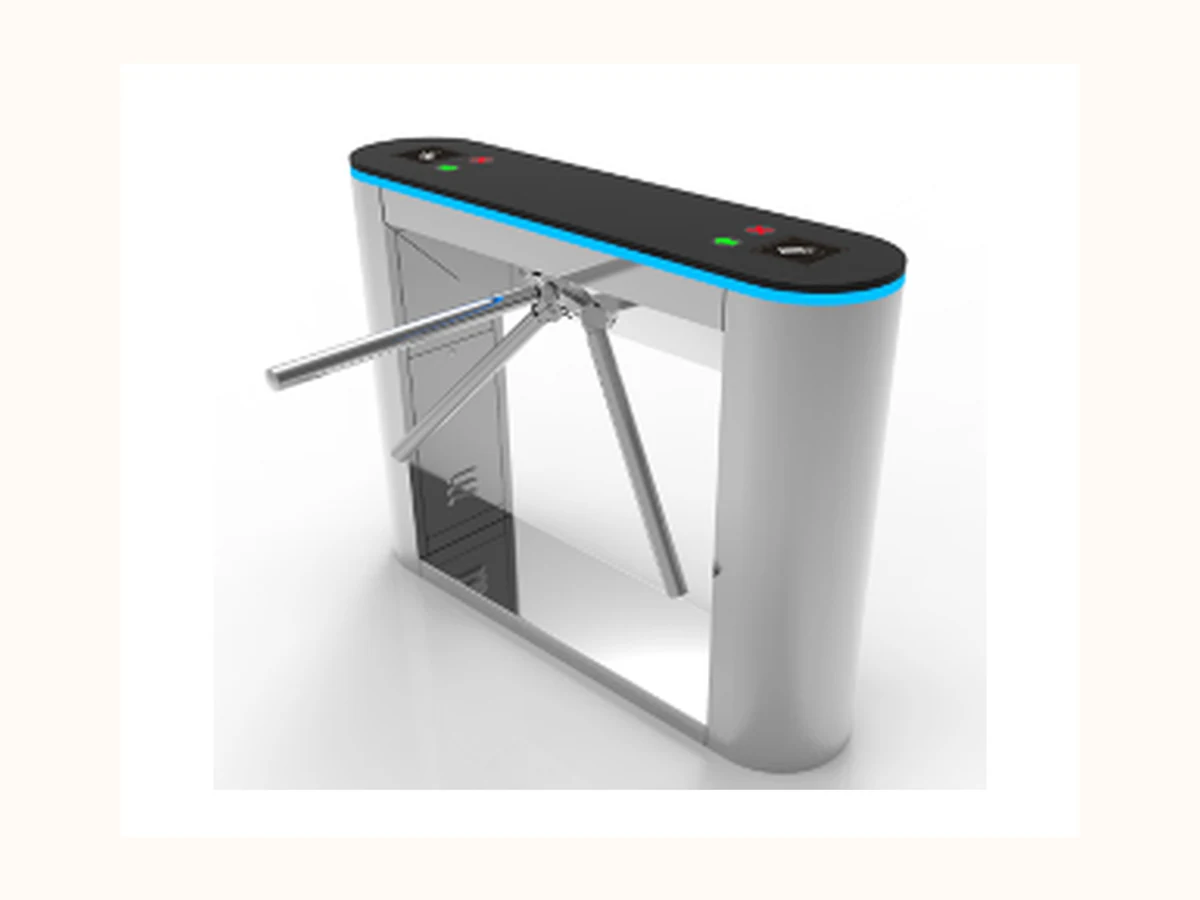 Alternative path
 Durable, cost-disciplined pedestrian control for factories, gyms, schools and public facilities.
Buyer Selection Notes
Buyers must clarify credential mix, user capacity, privacy and consent rules, data retention and integration with gates or doors.
Match the product family to a real project scenario before requesting drawings, safe specification proof or configuration advice.
| Selection field | Safe guidance now | Before final recommendation |
|---|---|---|
| Lane width | Project-specific confirmation | Publish exact dimensions only after approved safe specification proof is supplied. |
| Authentication options | Card / QR / face / biometric options reserved for project review | Avoid claiming compatibility with third-party systems before interface review. |
| Emergency behavior | Fire alarm and power-failure logic reserved for project review | Must be aligned with local evacuation rules and project wiring design. |
| Installation environment | Indoor / semi-outdoor / outdoor scope reserved for project review | IP rating, corrosion protection and canopy requirements need official confirmation. |
Product RFQ Handoff Checklist
Bosiny product pages do not stop at specifications. They tell the buyer which context to send first, how Bosiny will use it and which controlled documents can be requested after scope is clear.
| Handoff step | Buyer should send | How Bosiny uses it |
|---|---|---|
| 1. Site context | Share country / region, site type, entrance quantity and indoor or outdoor condition. | Confirms whether the project should start from a product family, a solution page or a controlled proof request. |
| 2. Product decision | Confirm the first Access Control / Face Recognition selection factors: Credential mix approved by the project, Door, gate, visitor or elevator integration path, Privacy and data-retention requirement. | Filters unsuitable models before discussing exact dimensions, versions or controlled specification proof. |
| 3. Integration path | Describe card, QR, face, visitor, elevator, controller or third-party platform integration needs if relevant. | Routes the inquiry to the right access-control workflow without exposing private API keys, passwords or customer files. |
| 4. Evidence request | Reference BSN-ACT-BUYER-PACK if photos, safe specification proof, certificate images or installation preparation files are needed. | Keeps proof files request-based until version, image rights, certificate scope and disclosure rules are confirmed. |
Downloads / RFQ Path
Use package ID BSN-ACT-BUYER-PACK when requesting product photos, safe specification proof or certificate images. Files remain request-based until version, image rights, certificate scope and disclosure rules are confirmed.
Product Evidence
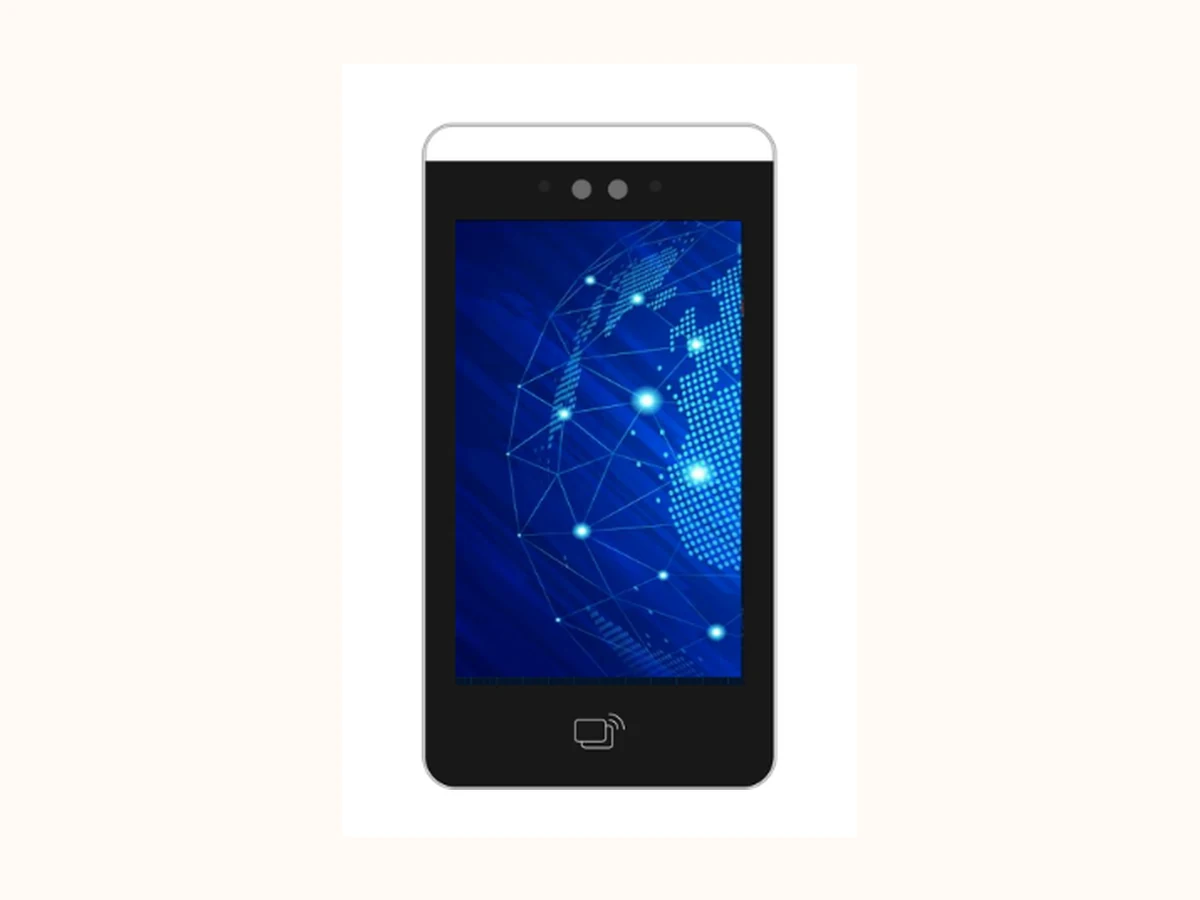 Product media
 Access Control / Face Recognition can use the reviewed public product image on this evidence path. Installation scenes, cabinet details and lane layouts still stay request-based until publication rights are confirmed.
Specification proof is handled as request-based material so the correct version, language and product scope are used.
Quality evidence is shown through the Quality page and shared by sales according to the applicable product scope.
Project examples stay anonymized on public pages unless the customer name, country, photos and metrics are approved.
Buyer FAQ
Choose Access Control / Face Recognition when the entrance scenario matches Office access, Visitor checkpoints, Elevator access, Campus entrances and the project can provide the basic site details required for engineering selection.
Detailed parameters, certification images, test data and project photos are handled through a request-based path so the correct version, product scope and publication rights are confirmed before sharing.
Prepare Credential type, User capacity, Network mode, Privacy / consent requirement, plus project scene, entrance quantity, environment constraints and integration expectations.
Public-Safe Notes
Next Step
Send project scene, lane quantity, environment, authentication method and integration requirement through the confirmed direct contact channels.
Trading Manager
Share product family, project scene, country / region, lane count, access method and timeline. Do not send confidential drawings, passwords, internal codes or customer private data through unconfirmed channels.
Open Contact Page