Full Height, Access Control, Speed Gates and Tripod pages stay as the primary RFQ path.
Product Center
Bosiny Products for Project Buyers
Four priority families, two series, one RFQ path.
Bosiny Series Bosiny priority access-control products Full height turnstiles, speed gates, tripod turnstiles and access-control terminals for direct RFQ routing. ASSA ABLOY Series ASSA ABLOY series reserved entry Kept as a separate series on the right; model images and product scope will be added after authorized materials are confirmed.
Swing, flap, boom barrier, LPR and software stay as project-fit support, not the first buyer choice.
Before authorization is confirmed, the partner entry only leads to a project brief.
Core Product Families
Core product families
Image, keywords and one detail route first.
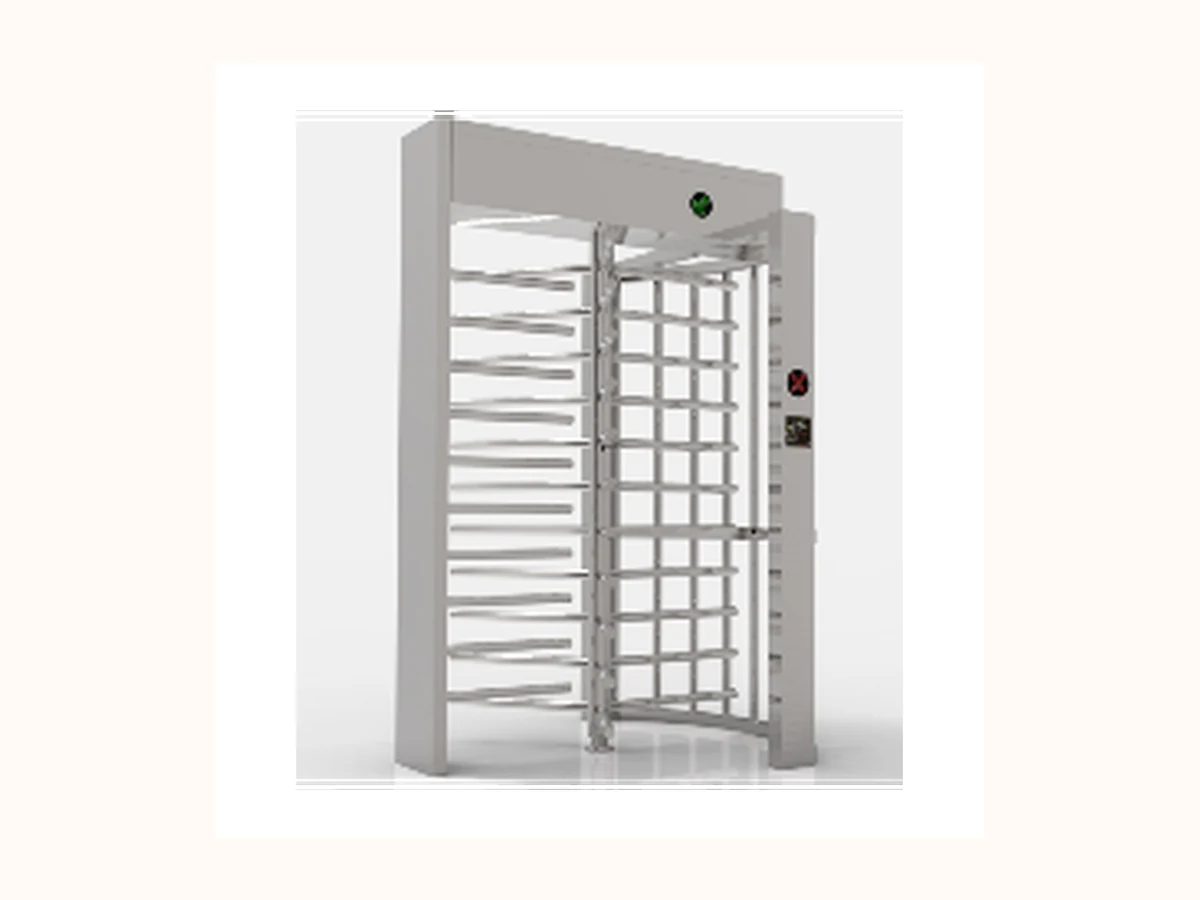
Bosiny Product Family
Full Height Turnstiles
High-security pedestrian control for perimeter entrances, industrial parks, stadiums and unmanned access points.
Perimeter securityIndustrial parksStadiums
View product selection guide 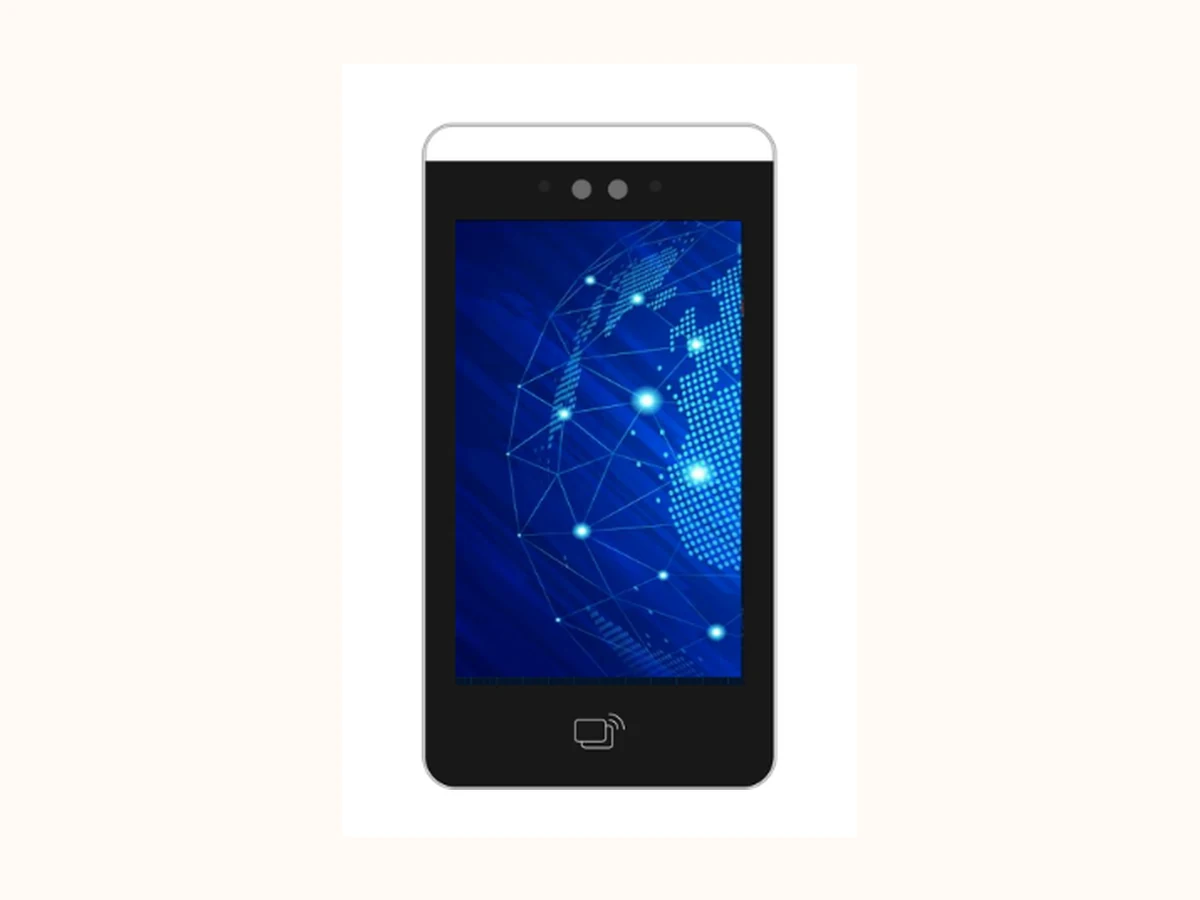
Bosiny Product Family
Access Control / Face Recognition
Access terminals and face recognition devices for pedestrian identity verification across doors, gates and visitor checkpoints.
Office accessVisitor checkpointsElevator access
View product selection guide 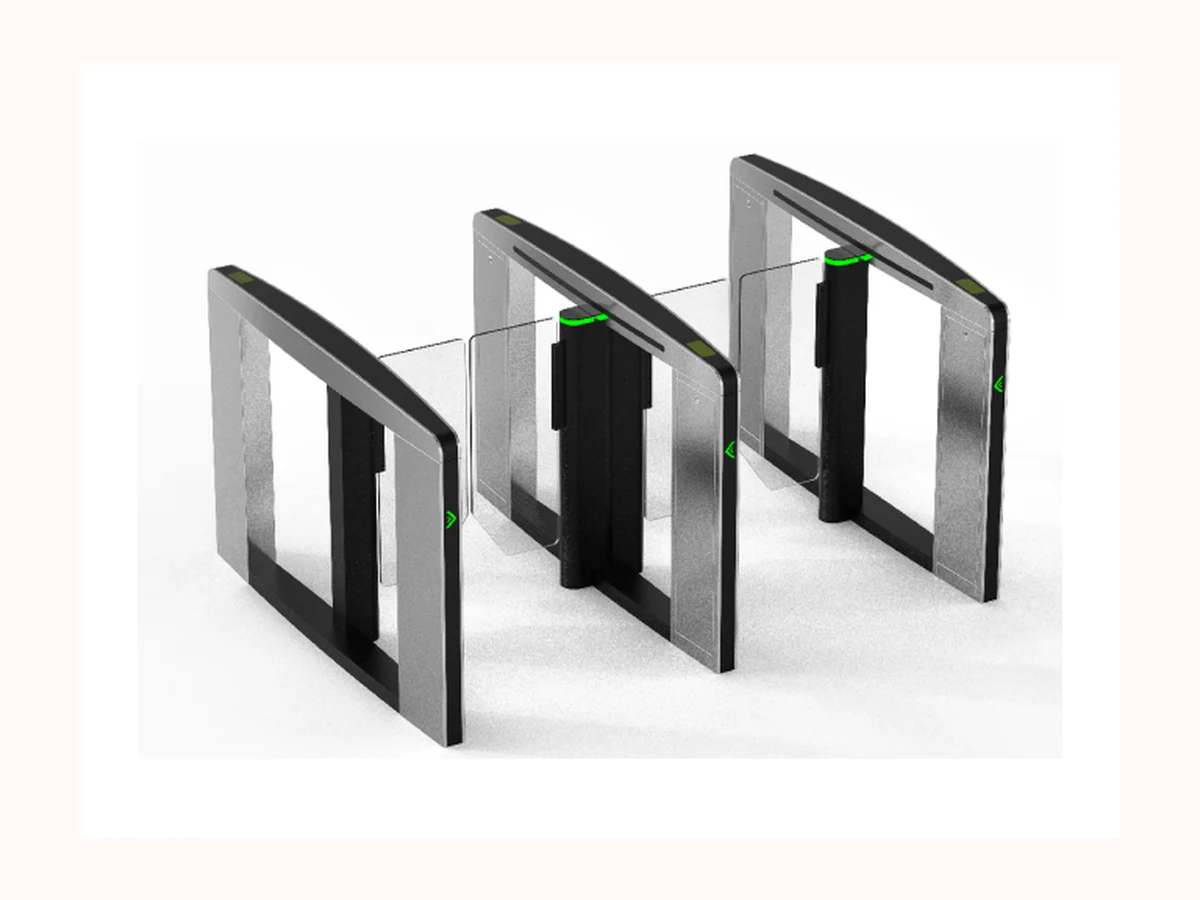
Bosiny Product Family
Speed Gates
Fast pedestrian lanes for office buildings, campuses and premium visitor entrances where speed, safety and visual quality matter together.
Office lobbiesCorporate campusesMetro-grade paid areas
View product selection guide 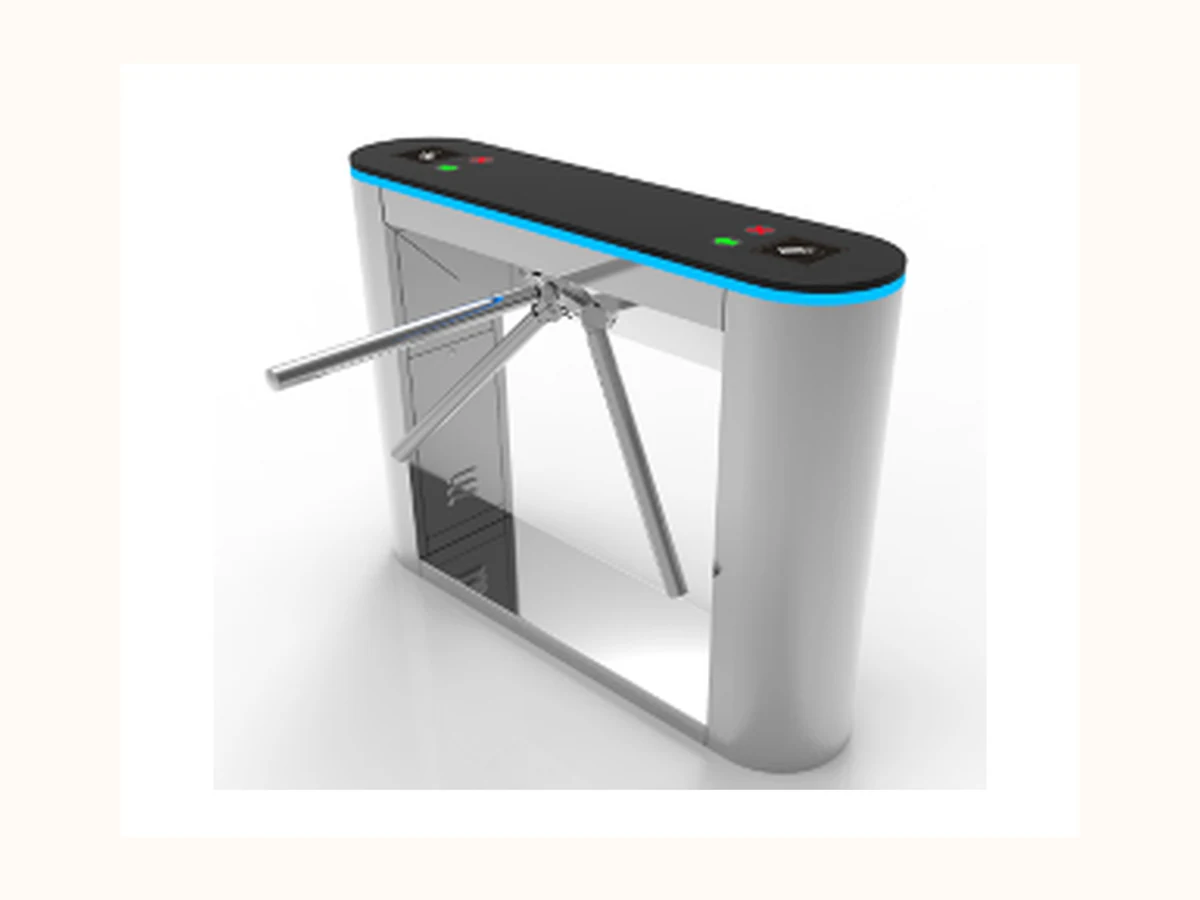
Bosiny Product Family
Tripod Turnstiles
Durable and cost-controlled pedestrian turnstiles for factories, gyms, schools and public facilities.
Factory attendanceGym membership accessSchool entrances
View product selection guide Product evidence by request
Bosiny Product Family
Swing Barrier Gates
Flexible-width pedestrian barriers for accessible lanes, visitor channels and mixed pedestrian traffic.
Accessible lanesVisitor entrancesSchools
View product selection guide Product evidence by request
Bosiny Product Family
Flap Barrier Gates
Compact pedestrian gates for indoor high-frequency access where space is limited and fast opening is required.
GymsTicketing hallsOffice entrances
View product selection guide Product evidence by request
Bosiny Product Family
Boom Barrier Gates
Vehicle entrance barriers for parking lots, communities, campuses and industrial parks, with optional LPR and platform integration.
Parking entrancesResidential communitiesIndustrial parks
View product selection guide Product evidence by request
Bosiny Product Family
LPR Parking System
License plate recognition access control for parking operations, whitelist management, visitor vehicles and payment workflows.
Commercial parking lotsHospitalsCampuses
View product selection guide Product evidence by request
Bosiny Product Family
Visitor Management System
Visitor registration, approval and temporary access credential workflow for offices, campuses, factories and residential communities.
Office receptionFactory visitor gatesCampus visitor approval
View product selection guide Product evidence by request
Bosiny Product Family
Parking Guidance System
Parking occupancy detection and guidance display planning for commercial parking lots, hospitals, campuses and mixed-use complexes.
Commercial parking lotsHospital parking areasCampus parking zones
View product selection guide Product evidence by request
Bosiny Product Family
Software Platform
Unified access control, parking, visitor and device operation platform blueprint for projects that require multi-system coordination.
Multi-site operationAccess log reviewParking workflow integration
View product selection guide Product evidence by request
Bosiny Product Family
Elevator Access Control
Floor permission control for office buildings, apartments, hotels and campuses where elevator interfaces, visitor permissions and fire-control logic need review.
Office elevatorsApartment buildingsHotel staff / guest floors
View product selection guide Product evidence by request
Bosiny Product Family
Smart Locks & Door Hardware
Door-level access hardware for offices, apartments, staff rooms and equipment rooms where door type, lock body, power strategy and privacy policy must be confirmed.
Office roomsApartment doorsStaff areas
View product selection guide Product evidence by request
Bosiny Product Family
Hydraulic Bollards & Road Blockers
Vehicle security control for perimeter entrances, government facilities, logistics gates and high-risk access points, with civil foundation and safety review kept mandatory.
Perimeter vehicle controlGovernment entrancesLogistics gates
View product selection guide Selection Logic
How to choose the right product family
Start with the entrance type, environment and integration workflow. Bosiny then recommends the suitable product family and supporting proof path for your project.
- Start from the entrance type: pedestrian lane, vehicle lane, perimeter control, parking workflow or identity verification node.
- Confirm environment constraints: indoor/outdoor exposure, lane width, queue pattern, emergency opening and integration interfaces.
- Choose the product family and basic configuration direction before comparing models.
- Request product photos, safe specification proof, certificates or installation preparation files when the project scope is clear.
Product Family Comparison
Match buyer intent to the right product family
Use this matrix to compare best-fit scenarios, avoid-when cases and one decisive project question before discussing models or commercial terms.
| Product family | Best fit | Avoid when | Key pre-sales question |
|---|---|---|---|
| Full Height Turnstiles | Unattended perimeter entrances, industrial parks, stadiums and construction sites requiring stronger physical separation. | Premium indoor lobby experience or fast accessible visitor passage is the central goal. | Is the turnstile single-lane, double-lane, indoor, semi-outdoor or outdoor? |
| Access Control / Face Recognition | Identity verification for gates, doors, visitors and elevator access where credential mix and privacy rules are clear. | Local privacy approval, consent mechanism or data retention policy is not yet defined. | Which credential mix is approved: card, QR, PIN, face, biometric or hybrid? |
| Speed Gates | Premium indoor lobbies where speed, appearance and controlled pedestrian flow are equally important. | Budget-only perimeter control, heavy outdoor exposure or wide accessibility lanes dominate the requirement. | How many pedestrian lanes are needed during peak 15-minute traffic? |
| Tripod Turnstiles | Durable, cost-disciplined pedestrian control for factories, gyms, schools and public facilities. | Premium lobby image, wheelchair passage or high-security unmanned perimeter control is required. | Is drop-arm behavior required during power failure or emergency release? |
| Swing Barrier Gates | Accessible lanes, visitor entrances and mixed pedestrian traffic requiring wider clear passage. | Narrow indoor corridors need compact high-speed lane bodies or full perimeter containment. | What clear passage width and opening radius are required? |
| Flap Barrier Gates | Compact indoor lanes for offices, gyms and ticketing entrances with controlled pedestrian behavior. | Outdoor exposure, wide luggage flow or wheelchair-first access is the primary requirement. | Will users carry luggage, carts or mobility aids through the lane? |
| Boom Barrier Gates | Vehicle entrance control for parking lots, communities, logistics gates and industrial parks. | The buyer mainly needs plate recognition workflow, payment logic or pedestrian access control. | What boom length, vehicle frequency and anti-smash device policy are required? |
| LPR Parking System | Parking workflows involving license plate recognition, whitelist, visitor vehicles and payment or platform integration. | A simple manual vehicle barrier is sufficient and no data or payment workflow is required. | Which plate region, lighting condition and payment or whitelist workflow must be supported? |
| Visitor Management System | Office, campus, factory and residential entrances where visitor approval, temporary credentials and traceable access records are required. | The site has not defined visitor data retention, consent wording or front-desk operating responsibility. | Who approves visitors and how long should visitor records be retained? |
| Parking Guidance System | Parking projects that need occupancy visibility, zone guidance and better vehicle circulation beyond basic entry control. | The buyer only needs a simple barrier gate and has no sensor, display or parking-zone planning scope. | How many spaces, zones, guidance displays and occupancy detection points are planned? |
| Software Platform | Projects requiring unified permissions, access logs, parking workflow and multi-site operation visibility. | The buyer expects a public off-the-shelf software promise without API, data policy or deployment review. | Which modules, user roles, deployment mode and integration interfaces are in scope? |
| Elevator Access Control | Buildings that need floor permission control connected with cards, QR codes, face terminals or visitor approval. | The elevator brand, controller interface, fire recall logic or property approval is not yet available for review. | Which elevator brand, floor count, reader method and fire-control requirement must be reviewed? |
| Smart Locks & Door Hardware | Door-level access points for offices, apartments, staff rooms and equipment rooms where lock type and credential policy are clear. | Fire door rules, mechanical door condition, local lock certification or privacy policy has not been checked. | What door type, lock body, power strategy and credential method are required? |
| Hydraulic Bollards & Road Blockers | Vehicle security perimeters, government facilities, logistics gates and high-risk entrances requiring stronger vehicle deterrence. | Civil foundation, drainage, emergency release, local road safety approval or impact rating evidence is not yet reviewed. | What security level, foundation condition, drainage plan and emergency operation policy are required? |
Disclosure note: the comparison only narrows the product path. It does not publish pricing, model-level parameters, internal material codes or unverified performance promises.
Product Coverage & Media Governance
Connect the 360-item shortlist to buyer-visible product families.
The product center now separates shortlist coverage from future new-product backlog and shows where public-safe media is ready versus where empty media slots must remain until matching photos are reviewed.
Pedestrian entrance control
73 shortlisted itemsSpeed / swing / flap / tripod / full-height turnstiles
Reviewed visuals available for Speed Gate, Tripod and Full Height; swing / flap remain empty media slots until matched images pass review.
Open next buyer path Parking barrier and LPR workflow
55 shortlisted items + 68 parking-guidance itemsBoom barriers, LPR parking and parking guidance
No matching public product image is confirmed yet; product pages keep buyer-facing visual slots instead of borrowing turnstile photos.
Open next buyer path Access / face recognition terminals
76 shortlisted access-control and biometric itemsFace recognition, QR, RFID, biometric readers and access terminals
Reviewed Access Control Terminal visual is available; interface files, privacy proof and datasheets stay request-based.
Open next buyer path Supporting access-control systems
83 supporting access-control and platform itemsSmart locks, elevator access, visitor workflow, software platform, smart-city platform and support accessories
No public-safe matching product visuals are confirmed; use controlled resource requests and empty media slots for now.
Open next buyer path Road security and future expansion
3 bollard / road-blocker items + EV and accessory backlog candidatesHydraulic bollards, road blockers, EV charging and support accessories
Keep image positions reserved until category-specific photos are reviewed; do not mix certificate, QR or unrelated proof images as product photos.
Open next buyer path Publication rule: use the four reviewed core product visuals only for matching families. For parking, platform, road-security and supporting categories, keep buyer-facing media slots empty until a safe image is confirmed; do not publish price, MOQ, lead time, certificate numbers, customer privacy or internal material codes.
Product Center RFQ Routing
Turn the product shortlist into a sales-ready project brief.
Mature B2B manufacturing product centers do not stop at category cards. They route buyers from product family selection into the first email fields that sales needs for Full Height Turnstiles, Access Control / Face Recognition Terminals, Speed Gates and Tripod Turnstiles.
01 Perimeter duty · secured entrance · unattended access
Confirm lane count, emergency egress rule, indoor / sheltered outdoor condition and credential method. 02 Door, turnstile, visitor or elevator identity layer
Confirm credential mix, privacy boundary, mounting position and host-system integration. 03 Lobby flow · commercial building · high-frequency indoor lane
Confirm lane quantity, cabinet layout, reader position, peak traffic and emergency-open logic. 04 Factory, campus, gym or compact waist-height access
Confirm footprint, drop-arm requirement, access method, installation base and weather exposure.| Priority family | First RFQ decision | Evidence path | Next page |
|---|---|---|---|
| Full Height Turnstiles | Perimeter duty, lane count, indoor / semi-outdoor / outdoor condition and emergency release rule. | Request product photos, datasheet scope, QC checkpoints and certificate images through controlled resources. | Open product page |
| Access Control / Face Recognition Terminals | Credential mix, door / gate / visitor / elevator integration path, privacy and data-retention boundary. | Request terminal options, interface review notes and certificate image scope after project role is clear. | Open product page |
| Speed Gates | Lobby role, lane quantity, reader position, peak-hour flow and fire alarm emergency-open logic. | Request speed gate photos, lane layout notes, quality proof and installation preparation files. | Open product page |
| Tripod Turnstiles | Factory / gym / campus use, drop-arm need, attendance or ticketing handoff and accessible lane plan. | Request tripod datasheet, mechanism / drop-arm QC evidence, packing proof and application photos after review. | Open product page |
Product-center-to-RFQ handoff: buyers should send buyer role, country / region, product family, scenario, lane quantity, credential method, integration system and requested documents. No pricing, MOQ, delivery commitments, certificate numbers, internal material codes or customer files are published here.
Project Proof Path
Get the right proof files for your application
- Product photos, safe specification proof and certificate files can be matched to your selected product family.
- Project references and installation suggestions are shared according to application type and region.
- Quotation and configuration details are prepared after lane count, environment and integration needs are confirmed.
- Your project information is used only to support product selection and follow-up communication.
Request Support
Send your project requirements for selection advice
Share the entrance type, lane quantity, credential method and site conditions. Bosiny will help match pedestrian or vehicle access-control products and prepare the next quotation or proof package.
- Project scene and entrance type
- Estimated lane count or entrance/exit count
- Authentication or payment workflow
- Environment and compliance constraints
Continue evaluation
Move from product family to buyer guide or RFQ brief
Use the comparison table to select the first product family, then continue to a buyer guide, solution page or pre-filled project email with lane count, environment, credential method and proof needs.