 Office / Commercial Building
 Projects & Case Studies
Reference Projects Without Exposing Customer Privacy
Overseas buyers need proof that Bosiny can support pedestrian access, parking and smart entrance projects. This page shows public-safe reference scenarios and explains what project evidence can be requested before a detailed quotation discussion.
Current case cards are anonymized scenarios, not public customer claims. They do not publish client names, contract values, exact locations, private images, pricing, internal material codes or unverified certificate statements.
Reference Scenarios
Anonymized case-study entries for priority scenarios
The first version focuses on scenarios that match the English international site: turnstile gates, barrier gates, LPR parking systems, access control terminals and integrated software workflows.
Office / Commercial Building 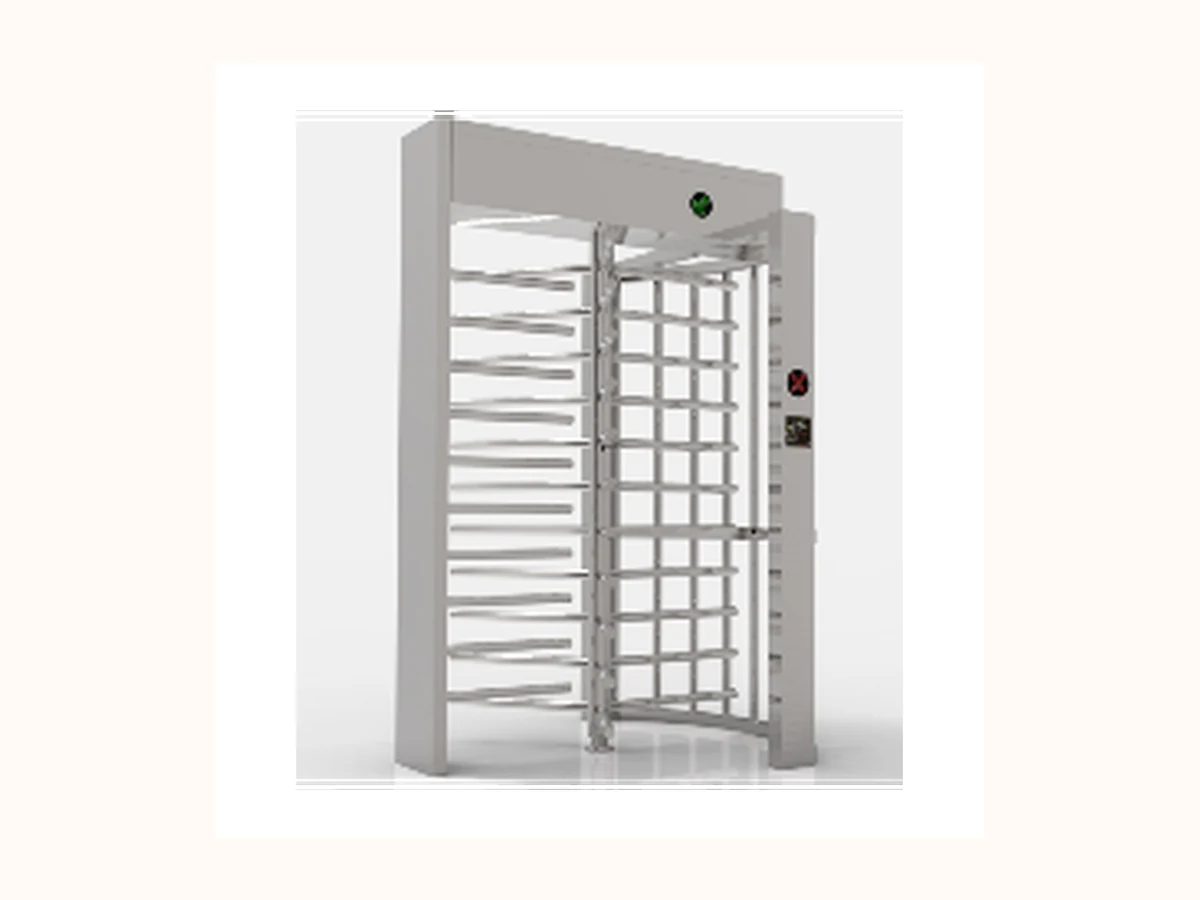 Factory / Industrial Park
 Factory and Industrial Park Entrance Control
 Parking Lot / Residential Community
 Parking Lot Barrier Gate and LPR Deployment
 School / Hospital / Public Facility
 Campus or Public Facility Access Control
Case detail path
Public-safe briefs ready for approved project media
Each card now links to a lightweight case brief. Real names, exact locations, license plates, faces, contract values and unapproved site photos stay offline until written approval.
Office / Commercial Building Office Building Pedestrian Access Upgrade
System scope
- Speed gates or swing barrier gates
- RFID / QR / face recognition access
- Visitor registration workflow
Buyer signal
- Improves lobby throughput and visitor control
- Creates a repeatable configuration for multi-tenant buildings
Approved lobby photos or rendered diagramsPublic-safe lane quantity and access methodPermission to mention industry, country or customer type
Discuss a similar project Factory / Industrial Park Factory and Industrial Park Entrance Control
System scope
- Tripod / full-height / speed gate options
- Boom barrier gate and LPR entry
- Visitor and contractor registration
Buyer signal
- Shows Bosiny as an integrated people-and-vehicle entrance supplier
- Helps buyers list lane count, vehicle count and integration needs
Gate and parking photos without private badges or platesPublic workflow diagramApproved description of integration scope
Discuss a similar project Parking Lot / Residential Community Parking Lot Barrier Gate and LPR Deployment
System scope
- Boom barrier gates
- LPR cameras and controllers
- Whitelist / temporary vehicle management
Buyer signal
- Connects parking product SEO traffic to practical project requirements
- Clarifies what site drawings and entrance photos sales should request
Entrance photos with license plates removedPublic-safe entrance / exit countApproved payment or platform integration wording
Discuss a similar project School / Hospital / Public Facility Campus or Public Facility Access Control
System scope
- Swing barriers or speed gates
- Visitor management terminals
- Access control readers
Buyer signal
- Demonstrates solution thinking beyond single products
- Supports staged deployment discussions for multiple entrances
Approved anonymized scenario photosPublic-safe floor-flow or entrance-flow diagramPermission level for naming industry and country
Discuss a similar project Case proof → Inquiry handoff
Turn anonymous reference scenarios into a controlled RFQ brief
Use the case signal to pick a product family, request controlled proof, then send one project brief without exposing private customer files.
01 Anonymous scenario 02 Product proof path 03 Inquiry brief
Reviewed product visual Perimeter / factory / stadium entrance
Full Height Turnstiles
- Request anonymised perimeter scenario notes, turnstile certificate images, QC checkpoints and installation preparation files through the controlled resource path.
- Confirm country, number of secured entrances, indoor or sheltered outdoor condition, emergency egress rule and credential method before discussing any model.
01 Anonymous scenario 02 Product proof path 03 Inquiry brief
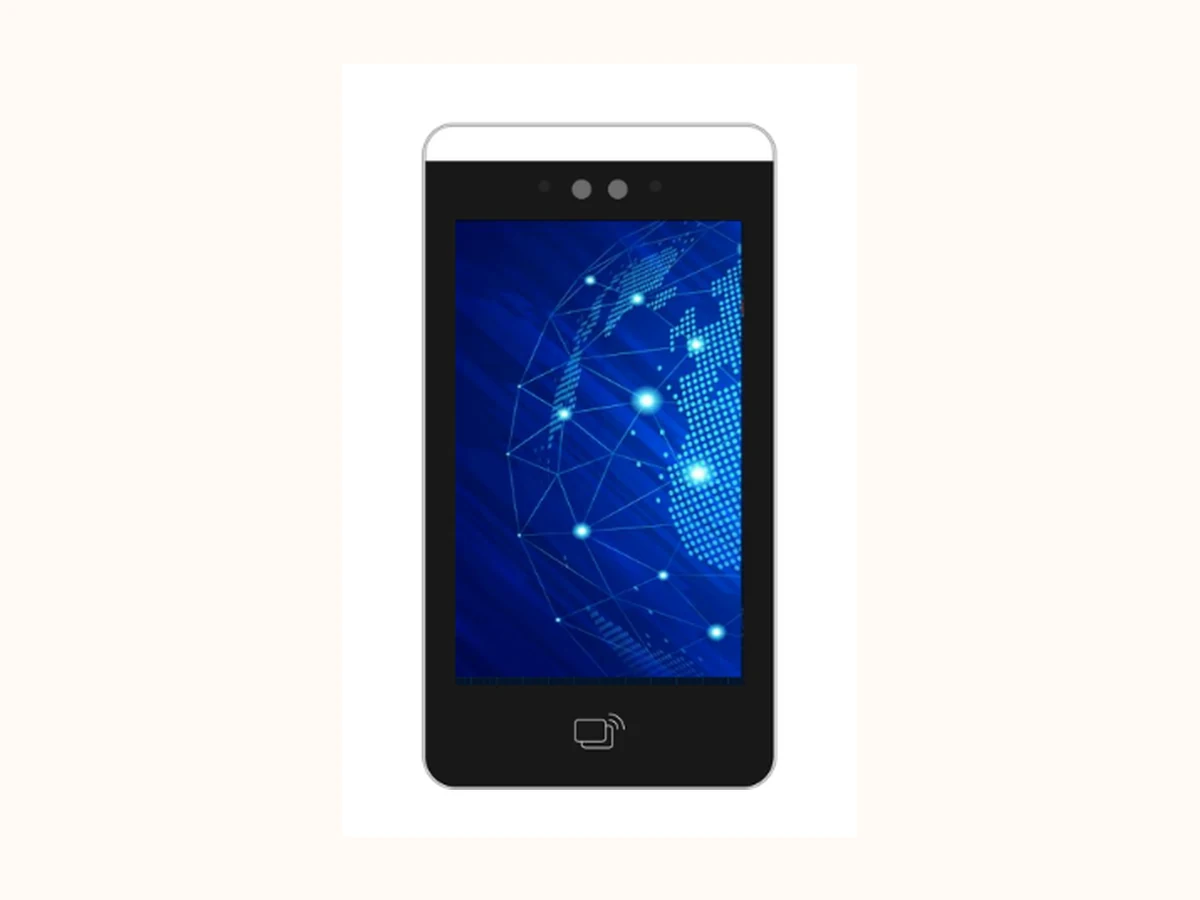
Reviewed terminal visual Office, visitor, elevator or staff identity control
Access Control / Face Recognition Terminals
- Request terminal option evidence, integration notes, privacy boundary explanation and access-control certificate images after product scope is clear.
- Confirm face / card / QR workflow, mounting position, visitor or attendance requirement, elevator permission need and third-party system boundary.
01 Anonymous scenario 02 Product proof path 03 Inquiry brief
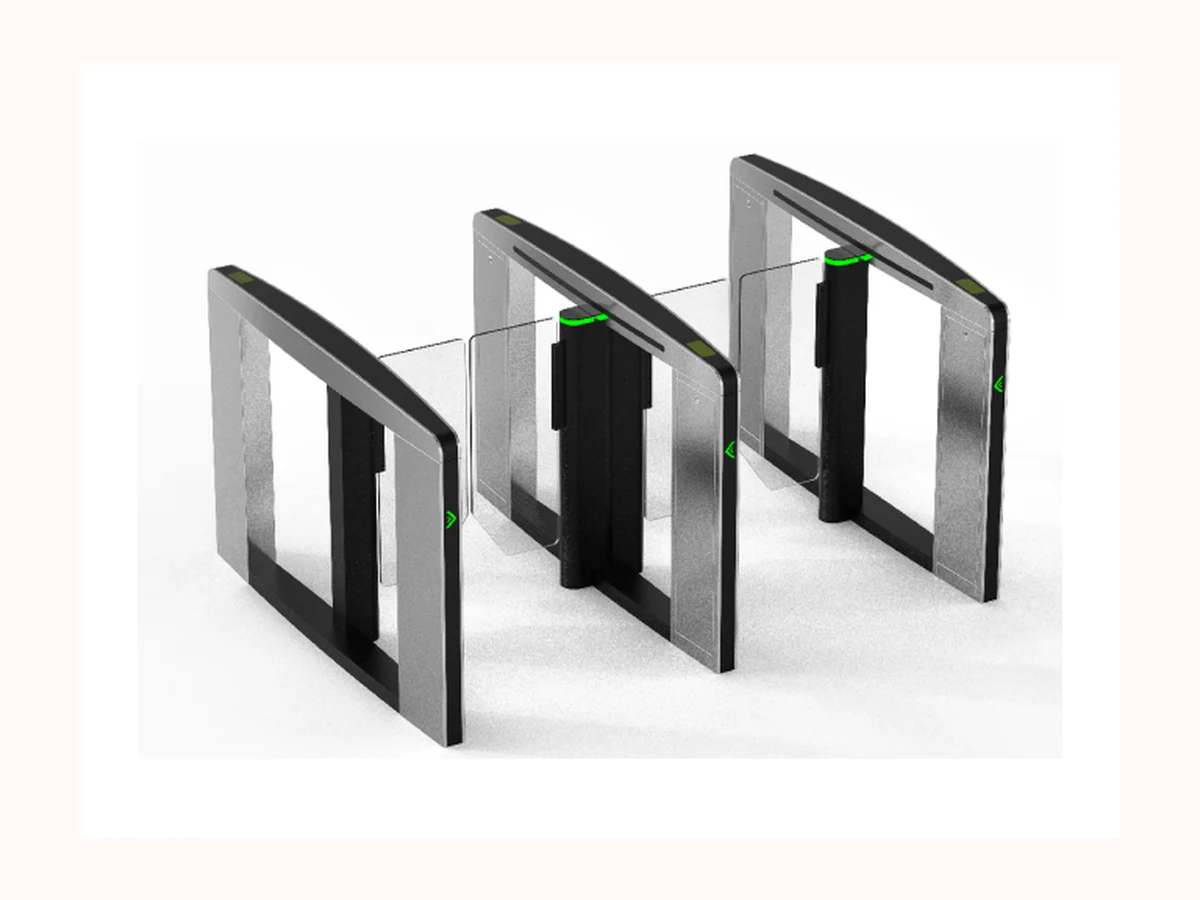
Reviewed product visual Commercial lobby / office building / high-flow indoor entrance
Speed Gates
- Request speed-gate product photos, lane-layout reference and quality proof through the same RFQ thread.
- Confirm lane width, peak traffic, cabinet layout, credential device and visitor workflow before asking for drawings or detailed parameters.
01 Anonymous scenario 02 Product proof path 03 Inquiry brief
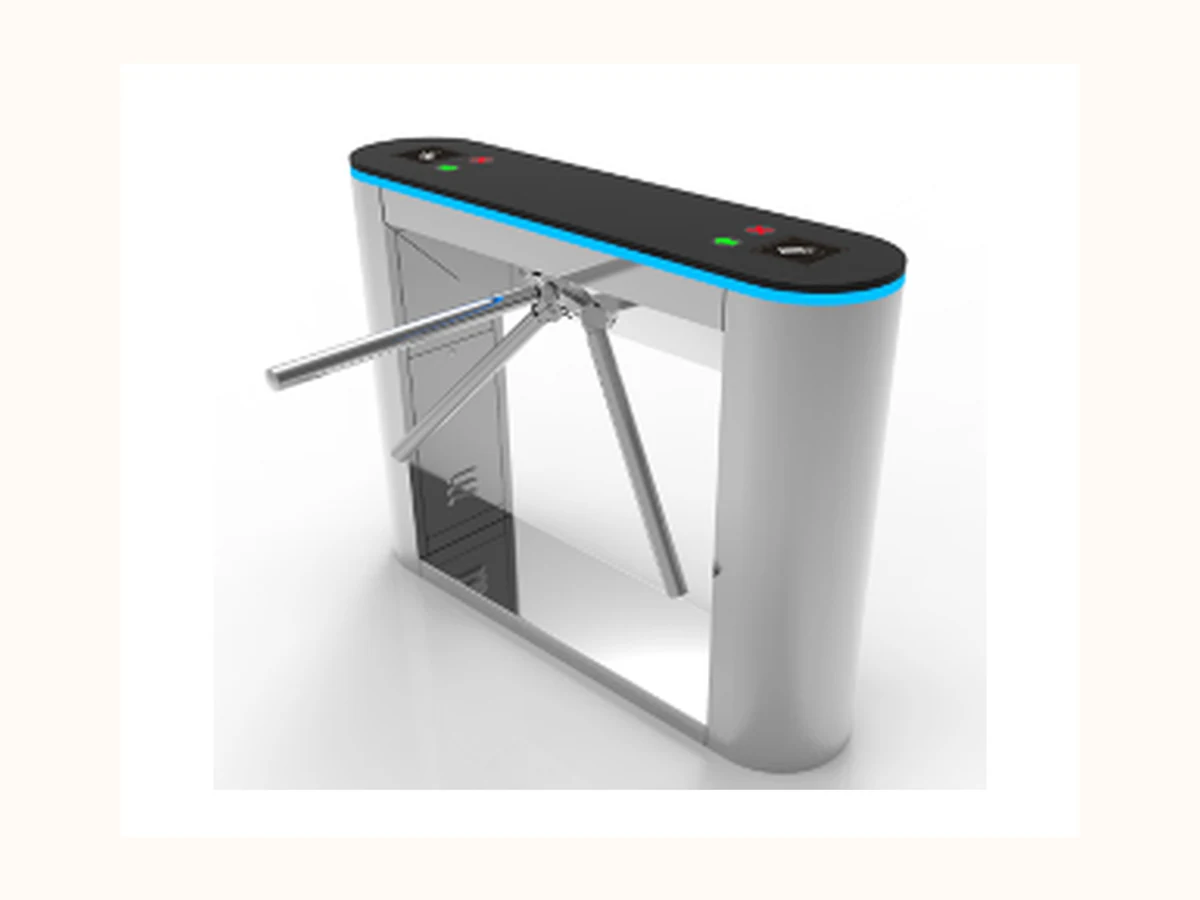
Reviewed product visual Gym / campus / factory attendance / public facility entry
Tripod Turnstiles
- Request tripod turnstile installation guidance, packaging / QC evidence and relevant certificate images only after project context is confirmed.
- Confirm compact footprint, arm-drop requirement, access method, weather exposure and installation base before shortlisting configurations.
Public-safe case boundary: Anonymous case signals can guide product fit and RFQ fields. Real customer names, site photos, exact locations, license plates, prices, MOQ, lead time and private files stay offline until approved.
Project-to-product proof routing
Match reference scenarios to priority product evidence before RFQ
Mature manufacturing sites use project pages to prove fit, not to expose customer data. This route connects anonymous scenarios to the four priority product families, controlled evidence and the first sales question.
| Project signal | First product fit | Evidence path | Ask before RFQ |
|---|---|---|---|
| Perimeter / factory / stadium entrance | Full Height Turnstiles | Request anonymised perimeter scenario notes, turnstile certificate images, QC checkpoints and installation preparation files through the controlled resource path. | Confirm country, number of secured entrances, indoor or sheltered outdoor condition, emergency egress rule and credential method before discussing any model. |
| Office, visitor, elevator or staff identity control | Access Control / Face Recognition Terminals | Request terminal option evidence, integration notes, privacy boundary explanation and access-control certificate images after product scope is clear. | Confirm face / card / QR workflow, mounting position, visitor or attendance requirement, elevator permission need and third-party system boundary. |
| Commercial lobby / office building / high-flow indoor entrance | Speed Gates | Request speed-gate product photos, lane-layout reference and quality proof through the same RFQ thread. | Confirm lane width, peak traffic, cabinet layout, credential device and visitor workflow before asking for drawings or detailed parameters. |
| Gym / campus / factory attendance / public facility entry | Tripod Turnstiles | Request tripod turnstile installation guidance, packaging / QC evidence and relevant certificate images only after project context is confirmed. | Confirm compact footprint, arm-drop requirement, access method, weather exposure and installation base before shortlisting configurations. |
Reviewed product visual Perimeter / factory / stadium entrance
Full Height Turnstiles
Confirm country, number of secured entrances, indoor or sheltered outdoor condition, emergency egress rule and credential method before discussing any model.
Reviewed terminal visual Office, visitor, elevator or staff identity control
Access Control / Face Recognition Terminals
Confirm face / card / QR workflow, mounting position, visitor or attendance requirement, elevator permission need and third-party system boundary.
Reviewed product visual Commercial lobby / office building / high-flow indoor entrance
Speed Gates
Confirm lane width, peak traffic, cabinet layout, credential device and visitor workflow before asking for drawings or detailed parameters.
Reviewed product visual Gym / campus / factory attendance / public facility entry
Tripod Turnstiles
Confirm compact footprint, arm-drop requirement, access method, weather exposure and installation base before shortlisting configurations.
Project proof boundary: No real customer names, site photos, license plates, certificate numbers, pricing, MOQ, lead time or private files are published. Buyers use the Certifications and Project Brief paths to request controlled evidence.
Project Evidence Path
Case evidence buyers may request
These fields help buyers understand the project scope while protecting customer privacy and Bosiny internal information.
| Field | Purpose | Risk control |
|---|---|---|
| Permission status | Decide whether the customer name, logo, photos and country can be shown. | Default to anonymous if any permission is missing. |
| Project scope | Summarize products used, entrances covered and integration modules. | Exclude contract value, supplier notes and internal model remarks. |
| Media assets | Prepare hero images, installation photos, diagrams and alt text. | Remove faces, license plates, badges, QR codes and private facility details. |
| Result statement | Explain throughput, management improvement or operational benefit. | Use conservative wording unless numeric data is approved. |
| Detail page path | Link each case card to future detailed case-study pages when approved. | Keep detailed pages offline until sales and legal review are complete. |
Public Sharing Rules
Public sharing rules for real project cases
Real project photos and customer names are not published unless written permission, anonymization and sales approval are complete.
- Confirm written permission for customer name, logo, photos, region and measurable results.
- Anonymize any badge, license plate, face, QR code, access credential or restricted facility information.
- Remove pricing, contract value, internal material codes, supplier notes and non-public platform details.
- Map the case to related products, related solutions and inquiry questions for SEO internal linking.
- Add image alt text, canonical URL, case schema plan and a sales-approved CTA before publishing.