Scenario Fit
Target scenarios and buyer pain points
Target scenarios- Airport staff entrance
- Customs inspection checkpoint
- Restricted service corridor
Access Control Solution
Controlled access for airport service zones, customs checkpoints and border-related facilities, with strict permission review and emergency workflow planning.
Scenario Fit
Scenario Fit
Recommended Architecture
Configuration Packages
For single-site or small entrance projects. Confirm lane count, authentication method and installation conditions first.
For multiple gates, multiple lanes or mixed pedestrian / vehicle flows. Confirm permission groups, visitor workflow and exception logs.
For projects connecting to existing access, parking, visitor or property systems. Interface and data policy review is required before any commitment.
Product Fit
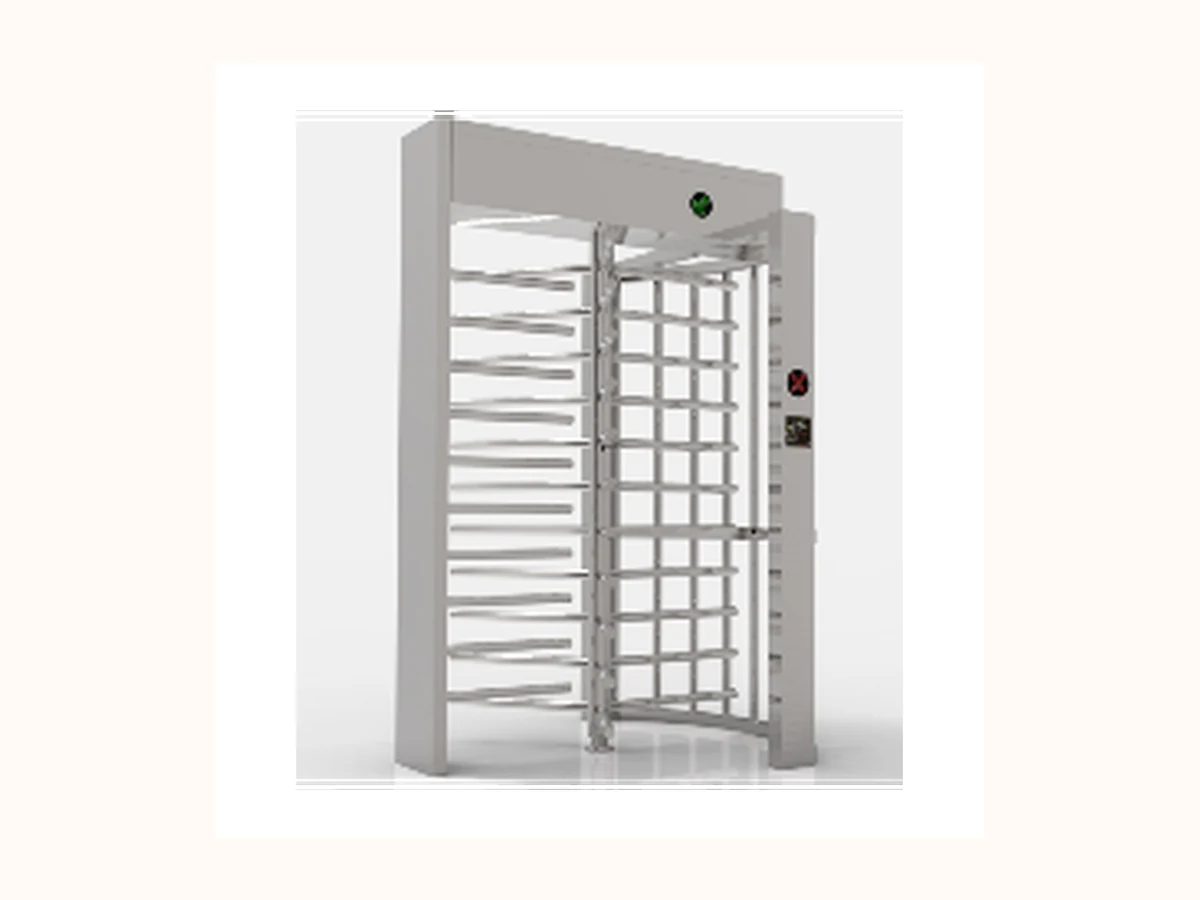 Reviewed core product visual
 Key selection question: Is the turnstile single-lane, double-lane, indoor, semi-outdoor or outdoor?
View product page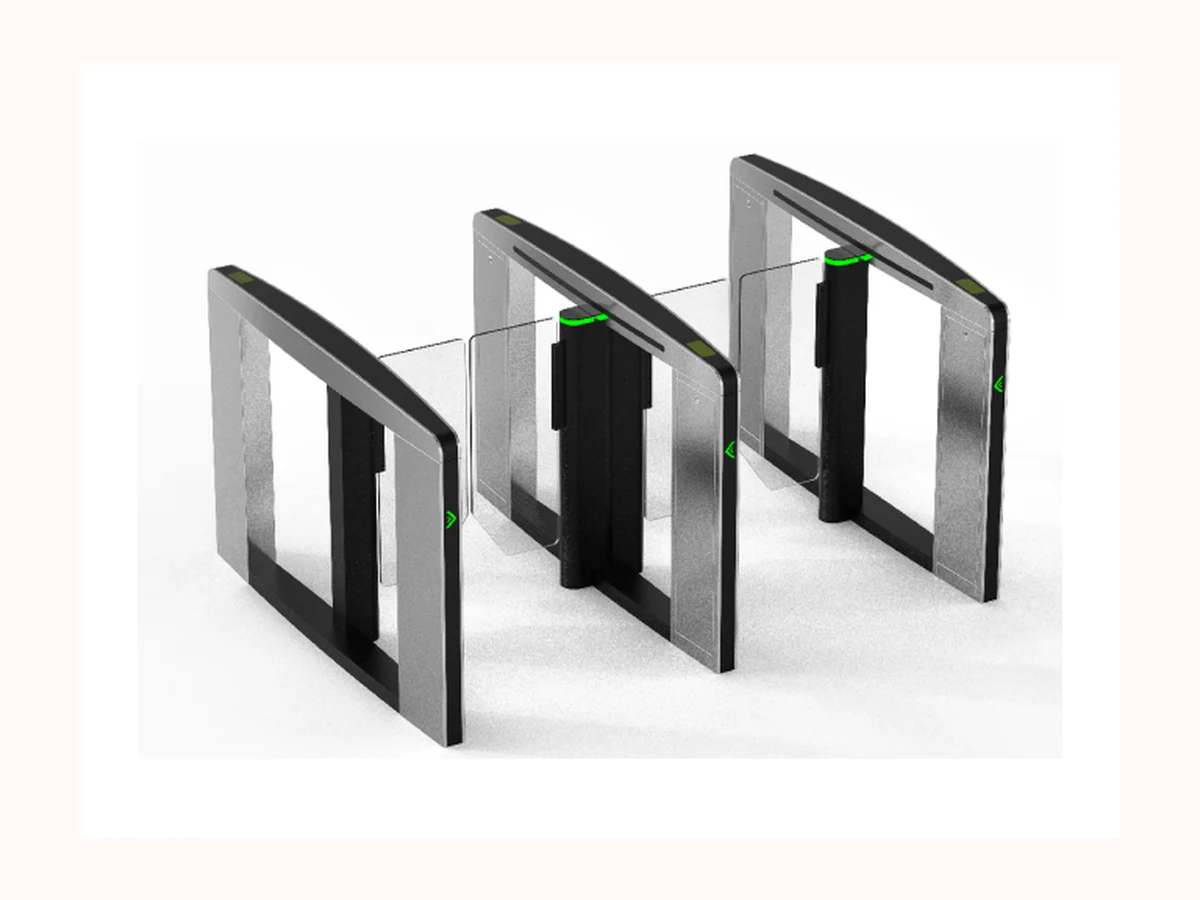 Reviewed core product visual
 Key selection question: How many pedestrian lanes are needed during peak 15-minute traffic?
View product pageKey selection question: What clear passage width and opening radius are required?
View product page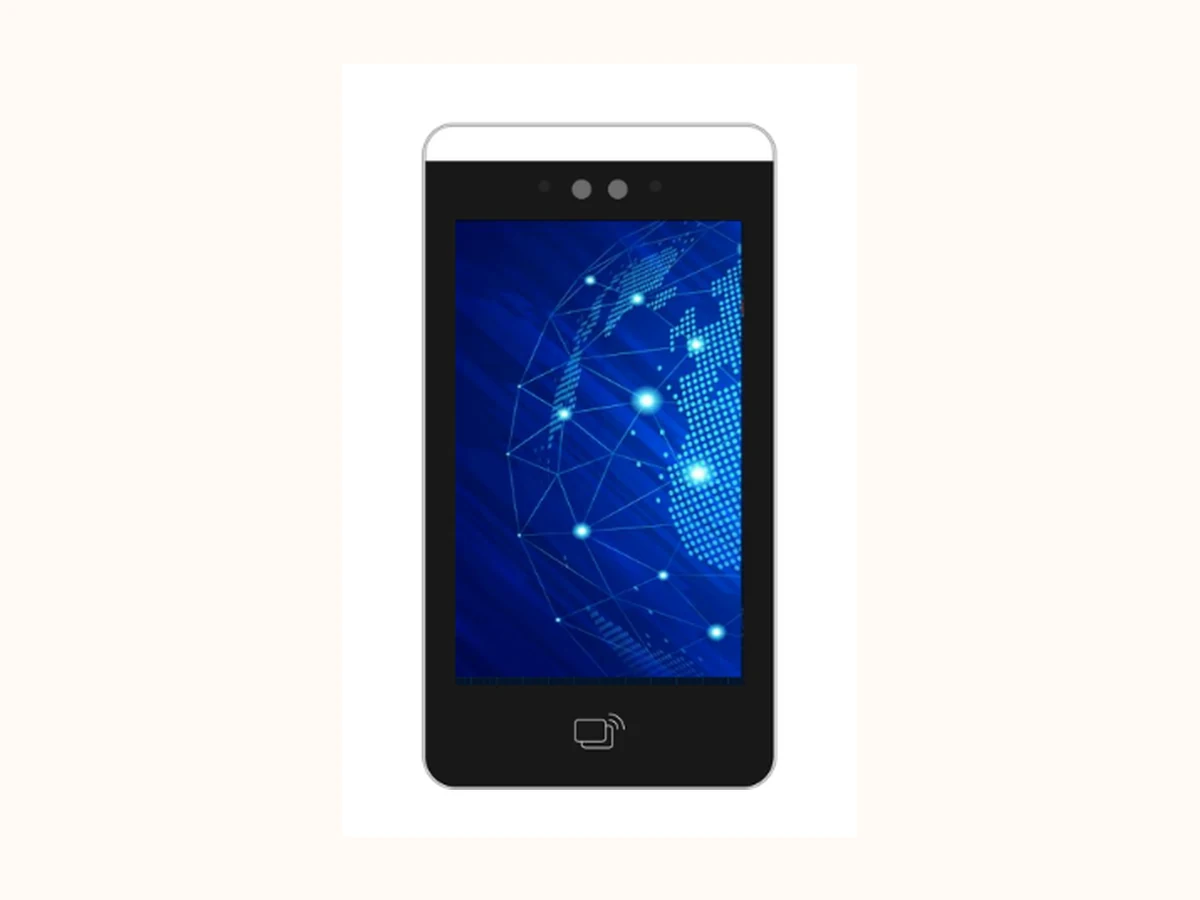 Reviewed core product visual
 Key selection question: Which credential mix is approved: card, QR, PIN, face, biometric or hybrid?
View product pagePublic-safe note: product links support selection only. Pricing, inventory, internal model codes and unreviewed parameters are not published.
Solution RFQ Handoff Checklist
Mature B2B solution pages connect scenario, product family, workflow and controlled evidence before asking buyers to send a first email. This keeps Bosiny's English buyer path specific without publishing pricing, MOQ, lead time or internal material codes.
| Handoff step | Buyer should send | How Bosiny uses it |
|---|---|---|
| 1. Scenario and site context | Send the solution type, country / region, site type and the first field: Facility zone type. | Confirms whether the buyer should start from a solution configuration, a product family or a controlled proof request. |
| 2. Product family and entrance scope | List the preferred families: Full Height Turnstiles, Speed Gates, Swing Barrier Gates, Access Control Terminals, plus entrance count and indoor / outdoor condition. | Routes the request to Full Height, Access Control Terminal, Speed Gate, Tripod or supporting-product review without opening price or MOQ discussion first. |
| 3. Integration and workflow | Describe authentication, visitor, controller, parking, elevator or platform integration. Useful prompts: Classify public, staff and restricted zones / Define credential and approval levels with the authority. | Separates standard hardware selection from protocol, data-policy and third-party interface review. |
| 4. Evidence and proof request | Request product photos, safe specification proof, certificate images, factory / QC evidence or anonymized project references only after explaining intended use. | Keeps qualification proof, certificate images, site photos and case evidence on a controlled request path; no open PDF downloads or certificate numbers are published. |
Project Evidence
Site layout or entrance quantity description, anonymized before use for configuration review.
Reviewed core product visual Product photos, installation photos, packing / shipment or factory QC media with copyright and masking rules confirmed.
Public certificates, test reports or quality files with product scope and download permission confirmed.
Public case data such as lane quantity, vehicle entrances, deployment period or anonymized performance indicators.
This section is the public evidence path for solution detail pages. It does not publish unauthorized site photos, customer data, certificate numbers, pricing, MOQ or internal material codes.
Buyer FAQ
This page only collects engineering conditions and solution boundaries. It does not disclose pricing, cost, MOQ or delivery commitments.
Integration can be reviewed, but interface, protocol, data permission and existing system version must be confirmed first.
Certificates, cases and downloads should be opened only after scope, copyright, customer authorization and release permissions are approved.
Prepare the scenario type, country / region, entrance count, pedestrian / vehicle flow, authentication method and systems to be integrated. Do not send confidential drawings, passwords, internal codes or customer private data through unconfirmed channels.
Use email, phone or WhatsApp as the primary inquiry path. The sales team can record the source page and solution type after the first contact.
Public safety boundaries