Typical Applications
- Commercial parking lots
- Hospital parking areas
- Campus parking zones
- Mixed-use complexes
Product Family
Parking occupancy detection and guidance display planning for commercial parking lots, hospitals, campuses and mixed-use complexes.
For exact model recommendations, share the project scene, lane quantity, access method and integration expectations through the inquiry path.
Product → Solution → Proof → Inquiry
This page now makes the next click explicit: validate the product family, open the closest scenario, request controlled proof and send one project brief.
Start with Parking space count and Zone layout before asking for a model.
02 Scenario match Parking Lot Barrier Gate SolutionCheck whether the entrance scene, site flow and integration boundary match a proven solution path.
03 Proof path BSN-PARKING-GUIDANCE-SYSTEM-BUYER-PACKRequest photos, safe specification proof or certificate images only after version and scope are clear.
04 Inquiry handoff Project briefSend country, site type, lane quantity, access method and proof-file needs in one brief.
Key Options
Safe Specs
| Disclosure layer | Content boundary | Rule |
|---|---|---|
| Published on this page | Parking space count / Zone layout / Detection method / Guidance display locations | Used to prepare a useful project brief before any model or commercial recommendation. |
| Shared after project confirmation | Exact dimensions, speed, durability, IP rating, certificate scope, safe specification proof and installation photos. | Provided through the sales path after the correct version, product scope and publication rights are confirmed. |
| Handled by direct sales | Price, order minimums, lead time, cost, internal material code, customer privacy, certificate numbers and unverified performance claims. | These items are not published on open product pages and are handled only after project context is reviewed. |
Selection Guide
Map parking zones and vehicle circulation before selecting displays or sensors.
Confirm whether guidance is standalone or integrated with LPR and payment workflow.
Keep drawings and occupancy data as review-only until project authorization is clear.
Selection Matrix
| Decision layer | Current product guidance | Recommendation note |
|---|---|---|
| Application fit | Commercial parking lots / Hospital parking areas / Campus parking zones / Mixed-use complexes | Use this row to decide whether the product family matches the project scene before discussing model-level details. |
| Project information to collect | Parking space count / Zone layout / Detection method / Guidance display locations | These fields are safe to collect in an inquiry brief and do not expose price, customer privacy or internal material codes. |
| Engineering selection focus | Map parking zones and vehicle circulation before selecting displays or sensors. Confirm whether guidance is standalone or integrated with LPR and payment workflow. Keep drawings and occupancy data as review-only until project authorization is clear. | Final specifications, dimensions, images and certifications are shared after official materials and project scope are confirmed. |
Product Fit Check
Parking projects that need occupancy visibility, zone guidance and better vehicle circulation beyond basic entry control.
The buyer only needs a simple barrier gate and has no sensor, display or parking-zone planning scope.
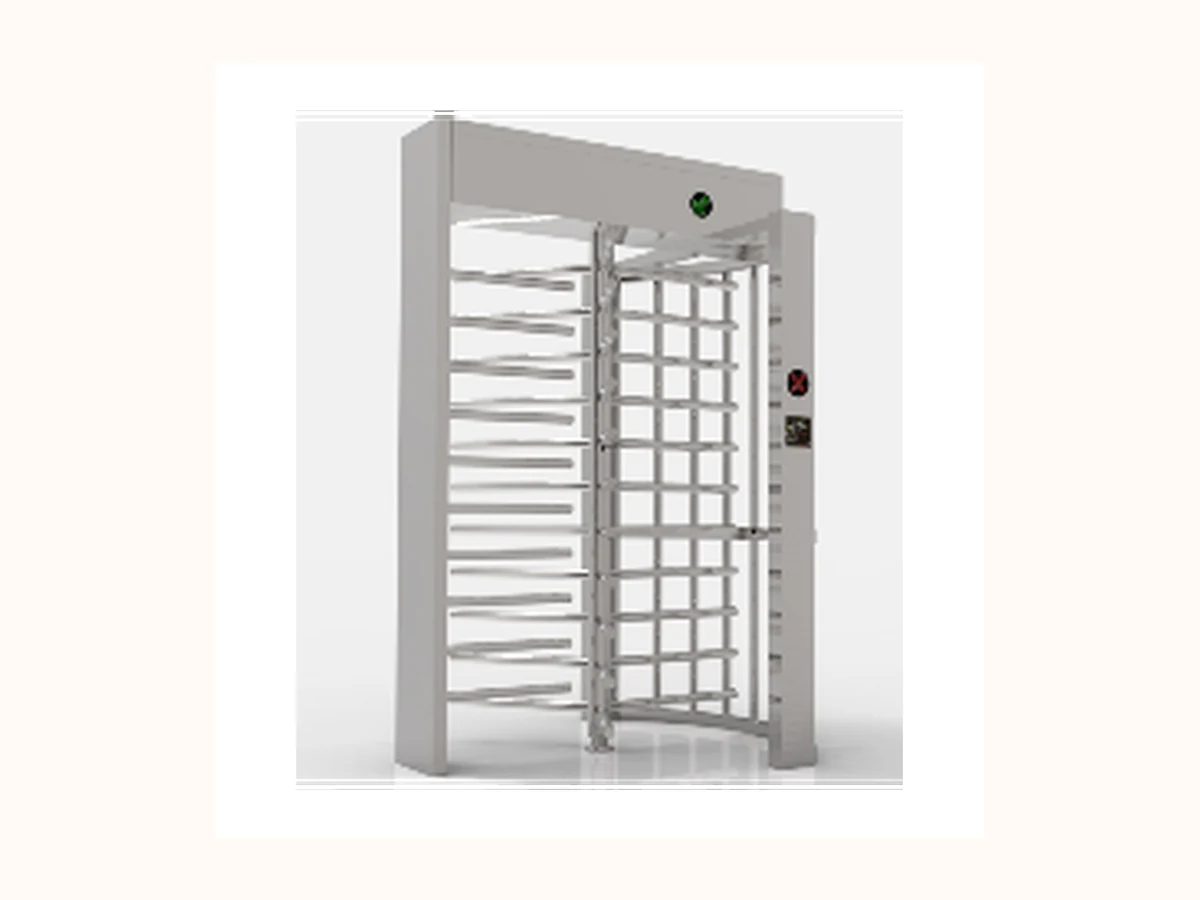 Alternative path
 Unattended perimeter entrances, industrial parks, stadiums and construction sites requiring stronger physical separation.
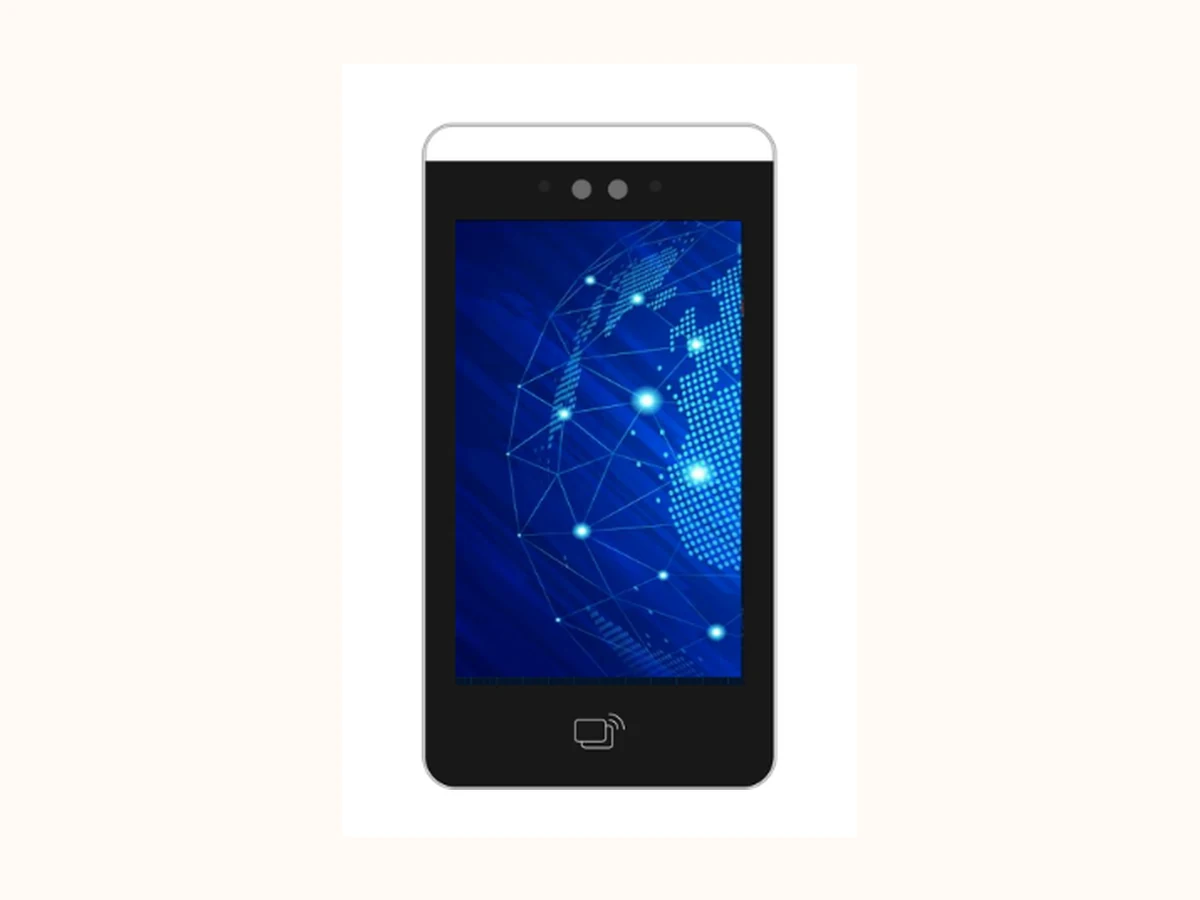 Alternative path
 Identity verification for gates, doors, visitors and elevator access where credential mix and privacy rules are clear.
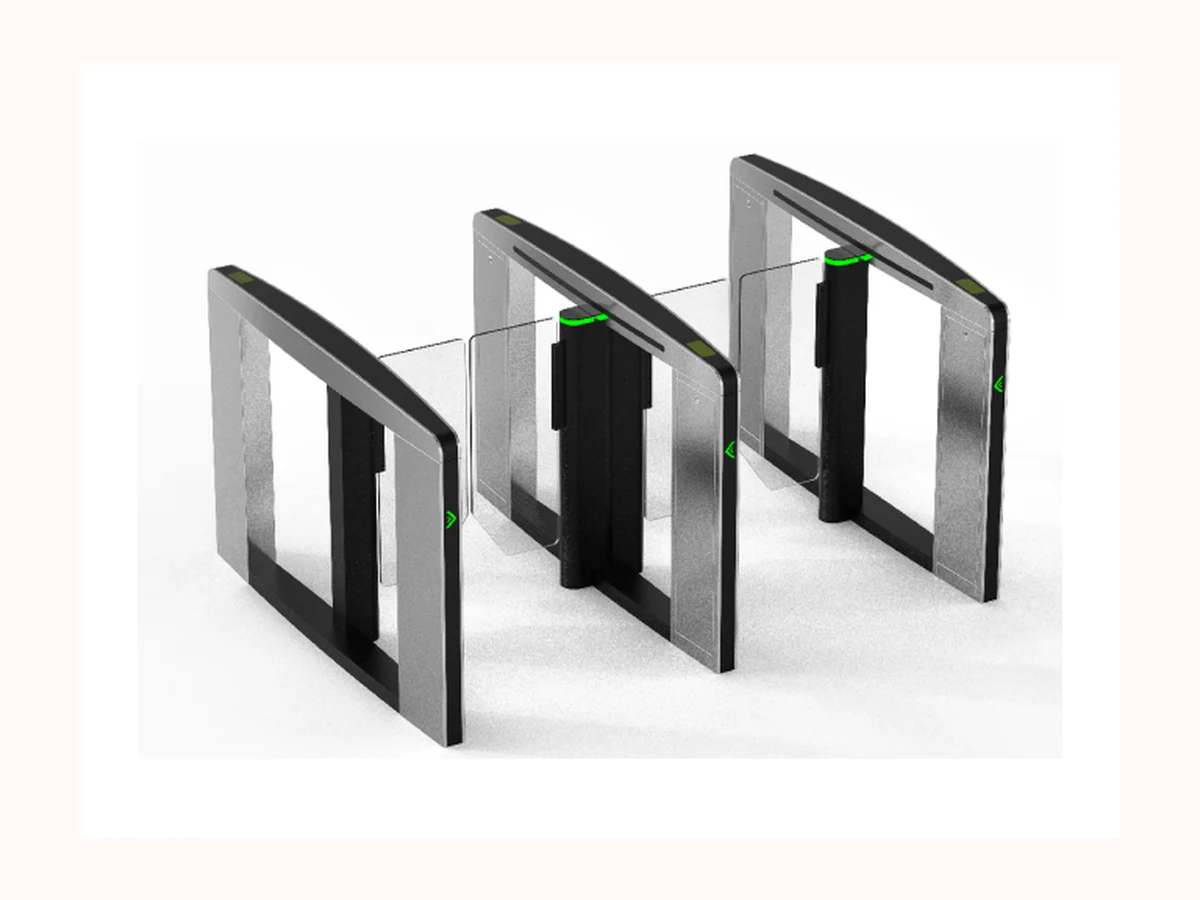 Alternative path
 Premium indoor lobbies where speed, appearance and controlled pedestrian flow are equally important.
Buyer Selection Notes
Buyers need to confirm parking-space count, zone planning, detection method, guidance display locations and whether LPR or payment integration is required.
Match the product family to a real project scenario before requesting drawings, safe specification proof or configuration advice.
| Selection field | Safe guidance now | Before final recommendation |
|---|---|---|
| Lane configuration | Entrance / exit quantity reserved for project review | Do not publish drawings or client site layout before authorization. |
| Vehicle workflow | Whitelist / visitor / payment / logistics flow reserved for project review | Workflow details may involve privacy or payment rules and require review. |
| Recognition and safety devices | LPR, loop detector, radar and anti-smash options reserved for project review | Performance claims require test conditions and site assumptions. |
| Platform integration | Protocol and data policy to be reviewed | No API, account, payment or private plate examples should be exposed. |
Downloads / RFQ Path
Use package ID BSN-PARKING-GUIDANCE-SYSTEM-BUYER-PACK when requesting product photos, safe specification proof or certificate images. Files remain request-based until version, image rights, certificate scope and disclosure rules are confirmed.
Product Evidence
Product photos, cabinet details, lane layouts and installation references can be shared after the image publication check.
Specification proof is handled as request-based material so the correct version, language and product scope are used.
Quality evidence is shown through the Quality page and shared by sales according to the applicable product scope.
Project examples stay anonymized on public pages unless the customer name, country, photos and metrics are approved.
Buyer FAQ
Choose Parking Guidance System when the entrance scenario matches Commercial parking lots, Hospital parking areas, Campus parking zones, Mixed-use complexes and the project can provide the basic site details required for engineering selection.
Detailed parameters, certification images, test data and project photos are handled through a request-based path so the correct version, product scope and publication rights are confirmed before sharing.
Prepare Parking space count, Zone layout, Detection method, Guidance display locations, plus project scene, entrance quantity, environment constraints and integration expectations.
Public-Safe Notes
Next Step
Send project scene, lane quantity, environment, authentication method and integration requirement through the confirmed direct contact channels.
Trading Manager
Share product family, project scene, country / region, lane count, access method and timeline. Do not send confidential drawings, passwords, internal codes or customer private data through unconfirmed channels.
Open Contact Page