Typical Applications
- Multi-site operation
- Access log review
- Parking workflow integration
- Device status monitoring
Product Family
Unified access control, parking, visitor and device operation platform blueprint for projects that require multi-system coordination.
For exact model recommendations, share the project scene, lane quantity, access method and integration expectations through the inquiry path.
Product → Solution → Proof → Inquiry
This page now makes the next click explicit: validate the product family, open the closest scenario, request controlled proof and send one project brief.
Start with Required modules and User roles before asking for a model.
02 Scenario match Office Building Turnstile SolutionCheck whether the entrance scene, site flow and integration boundary match a proven solution path.
03 Proof path BSN-SOFTWARE-PLATFORM-BUYER-PACKRequest photos, safe specification proof or certificate images only after version and scope are clear.
04 Inquiry handoff Project briefSend country, site type, lane quantity, access method and proof-file needs in one brief.
Key Options
Safe Specs
| Disclosure layer | Content boundary | Rule |
|---|---|---|
| Published on this page | Required modules / User roles / Deployment mode / Integration interfaces | Used to prepare a useful project brief before any model or commercial recommendation. |
| Shared after project confirmation | Exact dimensions, speed, durability, IP rating, certificate scope, safe specification proof and installation photos. | Provided through the sales path after the correct version, product scope and publication rights are confirmed. |
| Handled by direct sales | Price, order minimums, lead time, cost, internal material code, customer privacy, certificate numbers and unverified performance claims. | These items are not published on open product pages and are handled only after project context is reviewed. |
Selection Guide
Define modules before promising a platform scope: access, visitor, parking, elevator or reporting.
Confirm cloud, local server or private deployment preference.
Review API, account, log and data-retention rules before integration claims.
Selection Matrix
| Decision layer | Current product guidance | Recommendation note |
|---|---|---|
| Application fit | Multi-site operation / Access log review / Parking workflow integration / Device status monitoring | Use this row to decide whether the product family matches the project scene before discussing model-level details. |
| Project information to collect | Required modules / User roles / Deployment mode / Integration interfaces | These fields are safe to collect in an inquiry brief and do not expose price, customer privacy or internal material codes. |
| Engineering selection focus | Define modules before promising a platform scope: access, visitor, parking, elevator or reporting. Confirm cloud, local server or private deployment preference. Review API, account, log and data-retention rules before integration claims. | Final specifications, dimensions, images and certifications are shared after official materials and project scope are confirmed. |
Product Fit Check
Projects requiring unified permissions, access logs, parking workflow and multi-site operation visibility.
The buyer expects a public off-the-shelf software promise without API, data policy or deployment review.
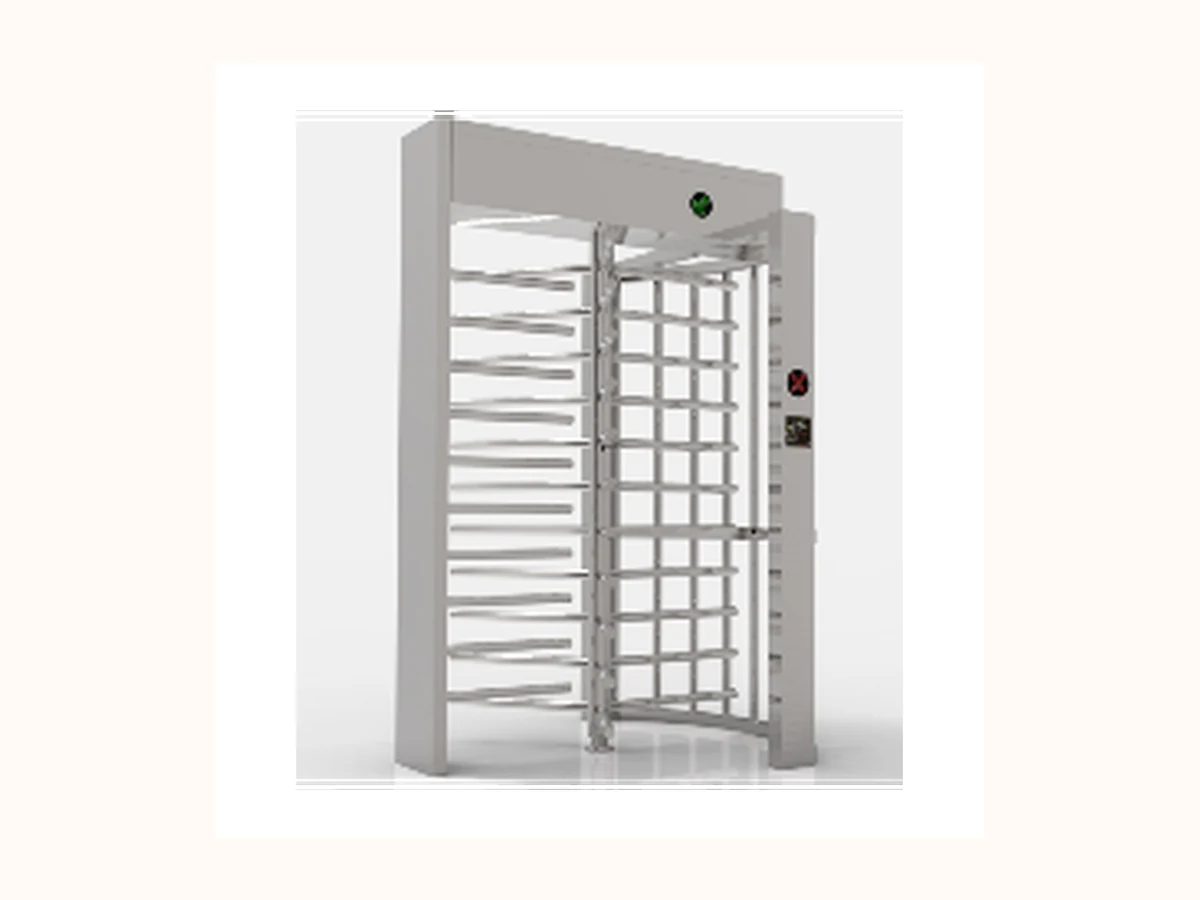 Alternative path
 Unattended perimeter entrances, industrial parks, stadiums and construction sites requiring stronger physical separation.
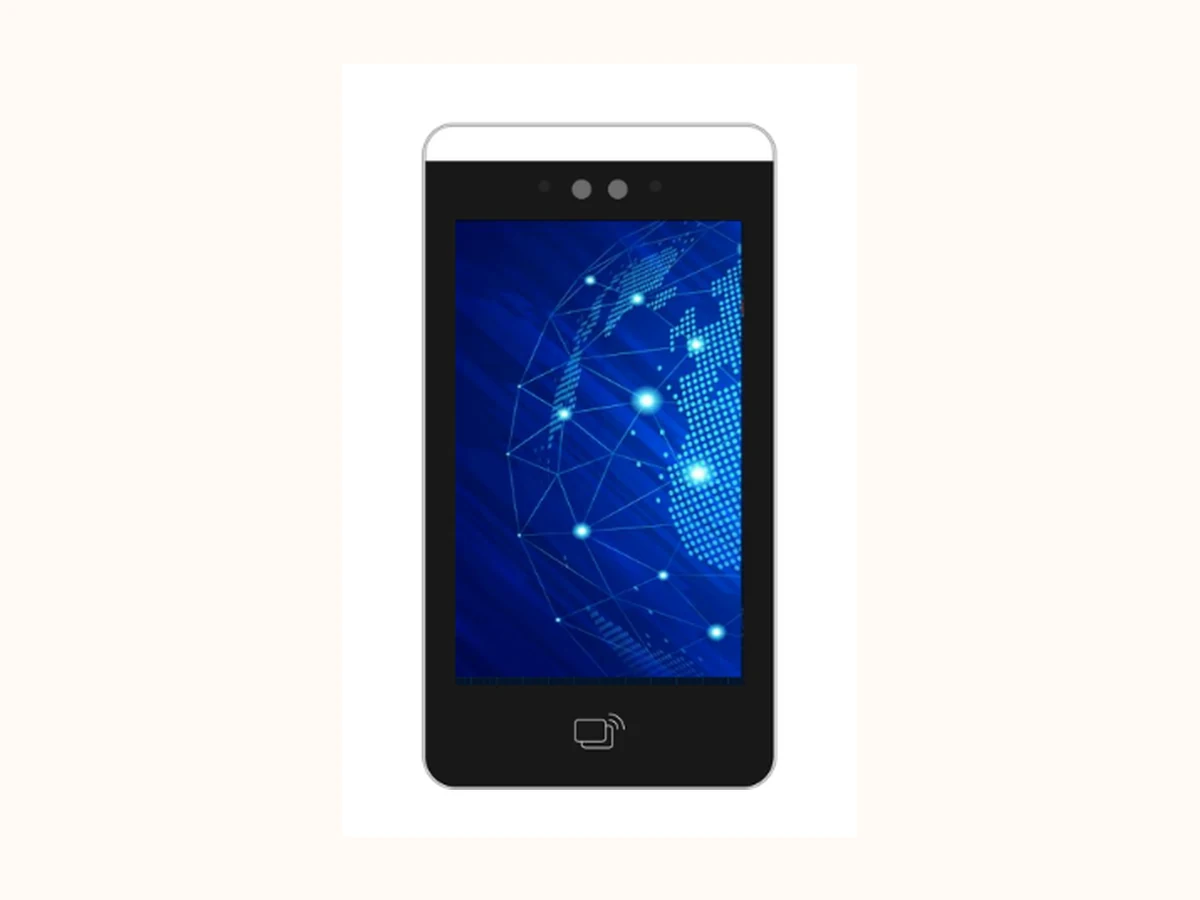 Alternative path
 Identity verification for gates, doors, visitors and elevator access where credential mix and privacy rules are clear.
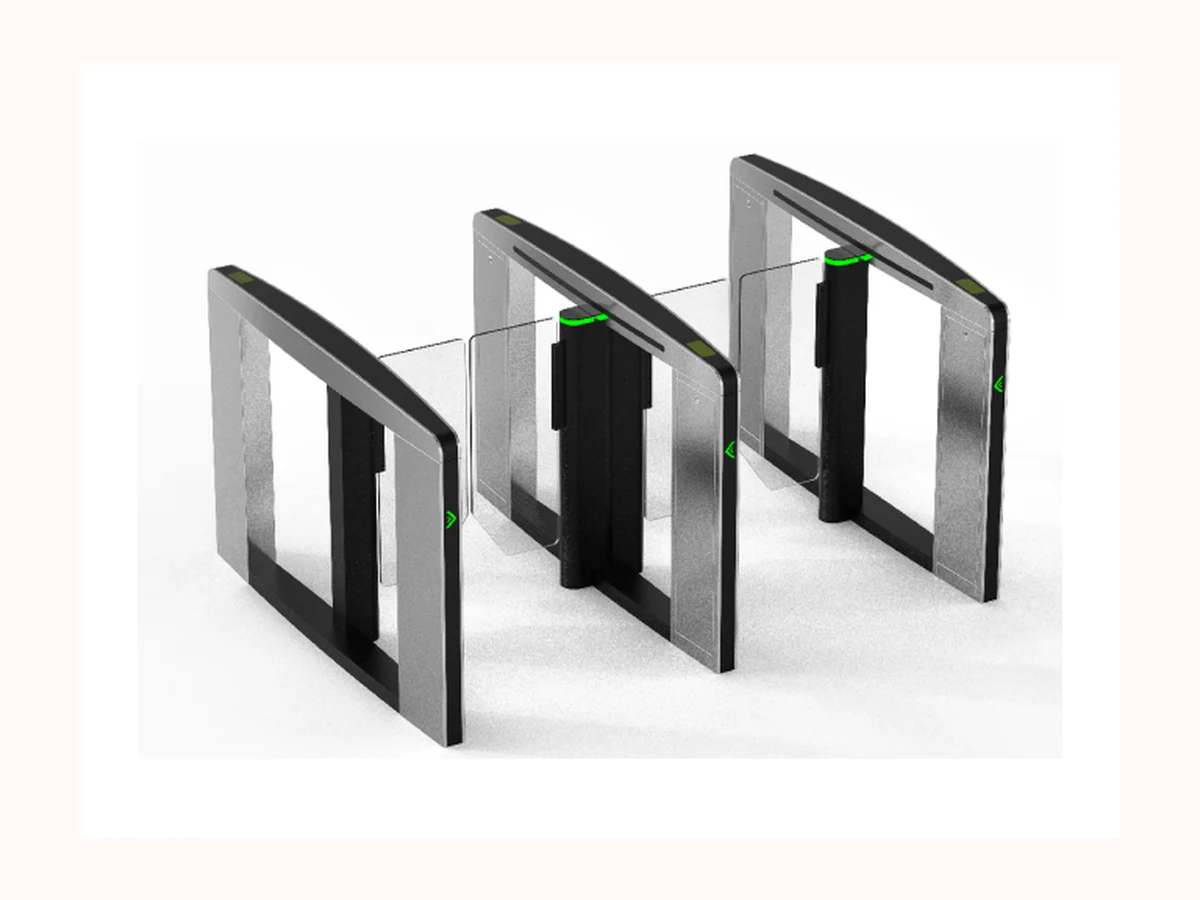 Alternative path
 Premium indoor lobbies where speed, appearance and controlled pedestrian flow are equally important.
Buyer Selection Notes
Buyers look for unified entrance operation, but the page must keep software scope, API and deployment claims gated until a technical review is complete.
Match the product family to a real project scenario before requesting drawings, safe specification proof or configuration advice.
| Selection field | Safe guidance now | Before final recommendation |
|---|---|---|
| Module scope | Access / visitor / parking / elevator / reporting modules reserved for project review | Avoid promising a complete software suite before scope review. |
| Deployment mode | Cloud / local server / private deployment reserved for project review | Hosting, data location and maintenance responsibility need confirmation. |
| User roles | Admin / operator / security / property roles reserved for project review | Do not expose real account screenshots or permission tables. |
| Integration boundary | API / protocol / data sync rules reserved for project review | No third-party compatibility promise before technical review. |
Downloads / RFQ Path
Use package ID BSN-SOFTWARE-PLATFORM-BUYER-PACK when requesting product photos, safe specification proof or certificate images. Files remain request-based until version, image rights, certificate scope and disclosure rules are confirmed.
Product Evidence
Product photos, cabinet details, lane layouts and installation references can be shared after the image publication check.
Specification proof is handled as request-based material so the correct version, language and product scope are used.
Quality evidence is shown through the Quality page and shared by sales according to the applicable product scope.
Project examples stay anonymized on public pages unless the customer name, country, photos and metrics are approved.
Buyer FAQ
Choose Software Platform when the entrance scenario matches Multi-site operation, Access log review, Parking workflow integration, Device status monitoring and the project can provide the basic site details required for engineering selection.
Detailed parameters, certification images, test data and project photos are handled through a request-based path so the correct version, product scope and publication rights are confirmed before sharing.
Prepare Required modules, User roles, Deployment mode, Integration interfaces, plus project scene, entrance quantity, environment constraints and integration expectations.
Public-Safe Notes
Next Step
Send project scene, lane quantity, environment, authentication method and integration requirement through the confirmed direct contact channels.
Trading Manager
Share product family, project scene, country / region, lane count, access method and timeline. Do not send confidential drawings, passwords, internal codes or customer private data through unconfirmed channels.
Open Contact Page